Teamspace
For more details please have a look at the Teamspace management documentation.
Overview
A teamspace acts as a logical partition of larger system providing a secure and isolated "environment/workspace" for multiple teams to work independent.
Create new Teamspace
| Step | Details | Additional Information |
|---|---|---|
| 0 | If Loop environment has been freshly set up just click on the Create Teamspace Button to proceed |  |
| then proceed to step 2, else with next step | ||
| 1 | Click on the Teamspace icon  to view your Teamspaces or create a new one to view your Teamspaces or create a new one | 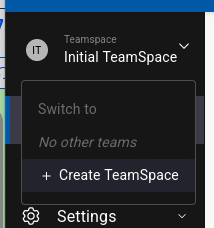 |
| Click on Create teamspace |  | |
| 2 | Enter the name and a Description and press Next  | 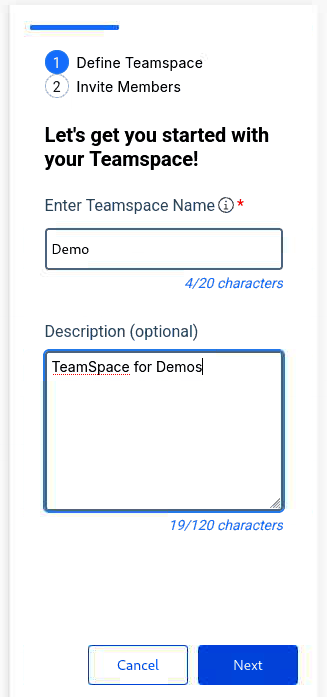 |
| 3 | You can search and add Teammembers to a Teamspace | 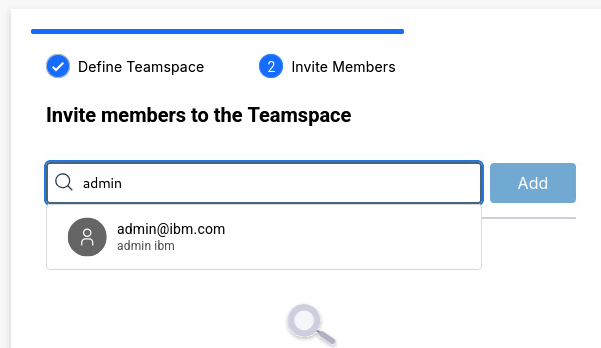 |
| Teammember is added to a list. Proceed to add more members if needed. | 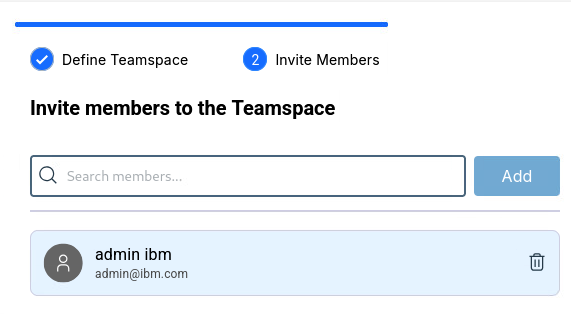 | |
| 4 | Press Create to proceed |  |
| 5 | Teamspace creation will take a few moments, as soon as it finishes a success dialog will be shown | 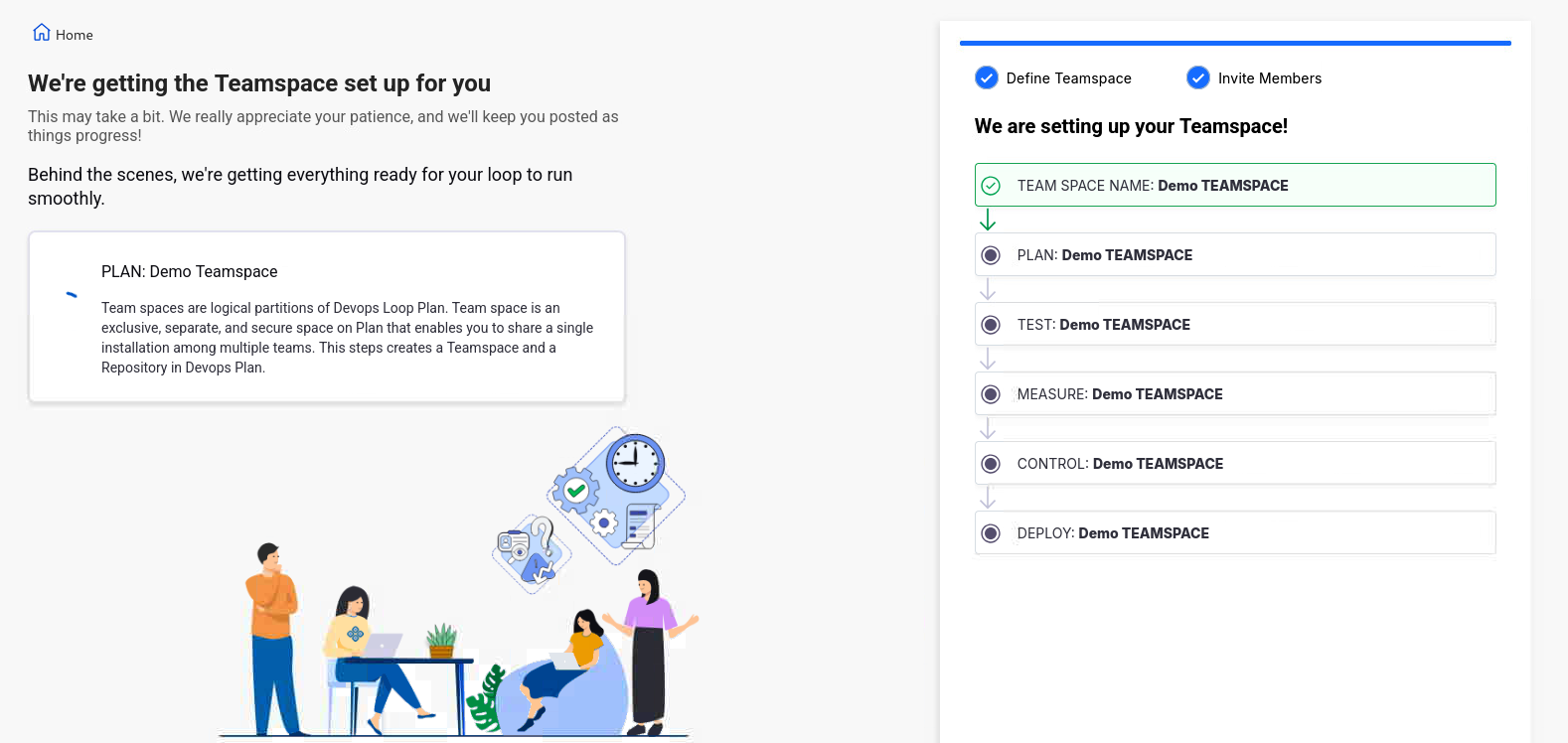 |
| 6 | Teamspace created. Click on Go to Teamspace for next steps | 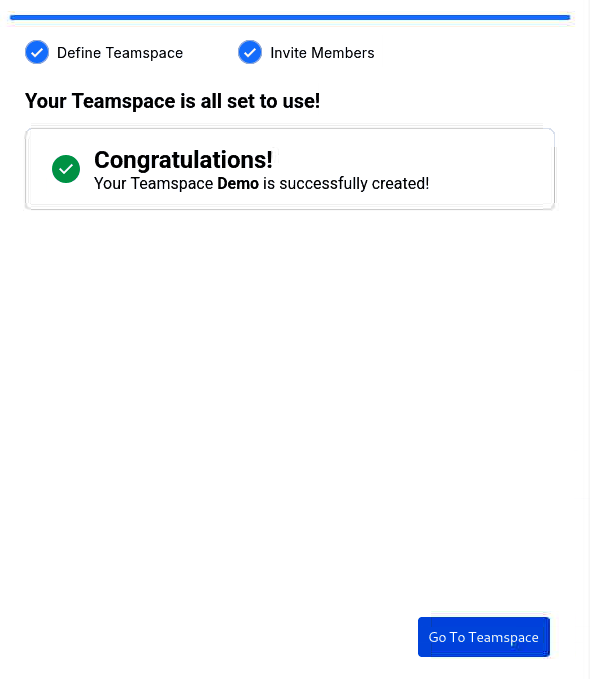 |
Please proceed with creating a Loop