Components
Switch to Components View
| Step | Details | Additional Information |
|---|---|---|
| 1 | In the sidebar select the Components Icon |  |
 | ||
| 2 | Components View | 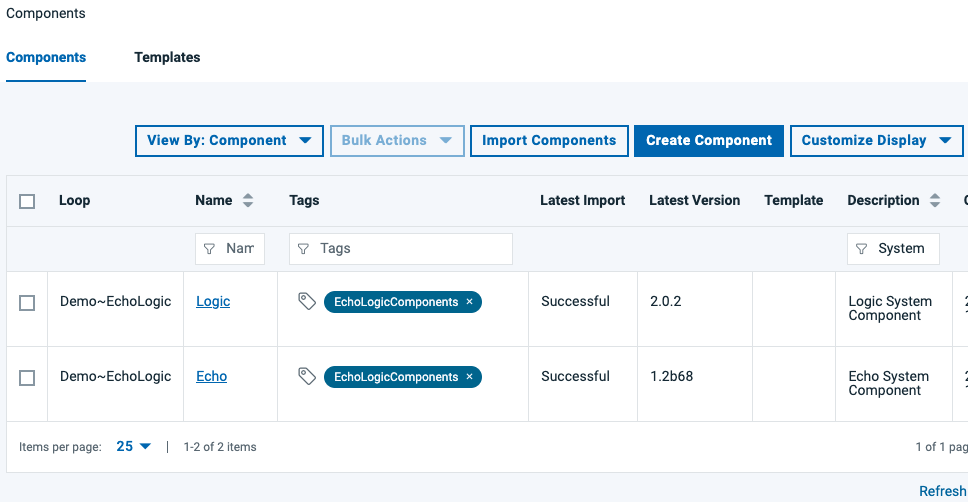 |
View Component Processes
| Step | Details | Additional Information |
|---|---|---|
| Switch to Components View | ||
| List of Components is shown | | |
| click on Echo component to view details |  | |
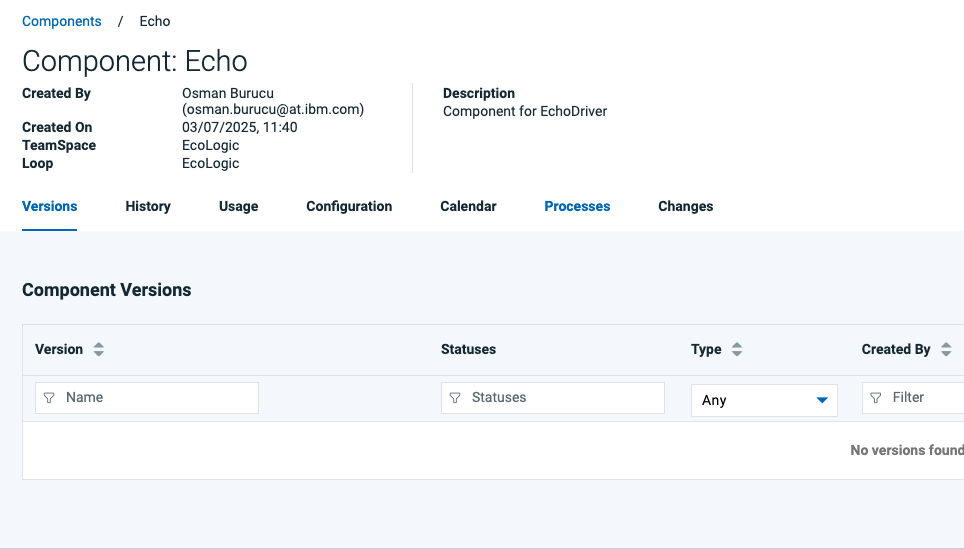 | ||
| Available Component processes are shown | 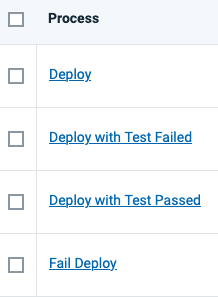 |
Creating or Importing Components
Creating Components
| Step | Details | Additional Information |
|---|---|---|
Press Create new Component Button:  | ||
| Enter the name of the component (for example Echo) and a Description | 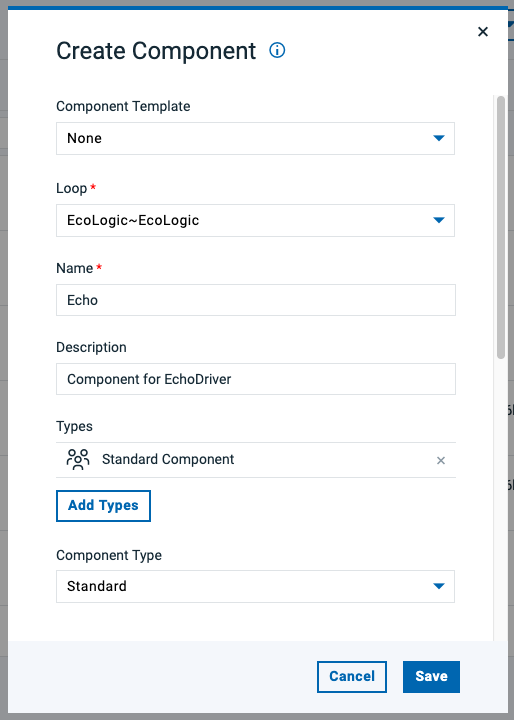 | |
| Select Version Source Configuration (use file system versioned for this step) | 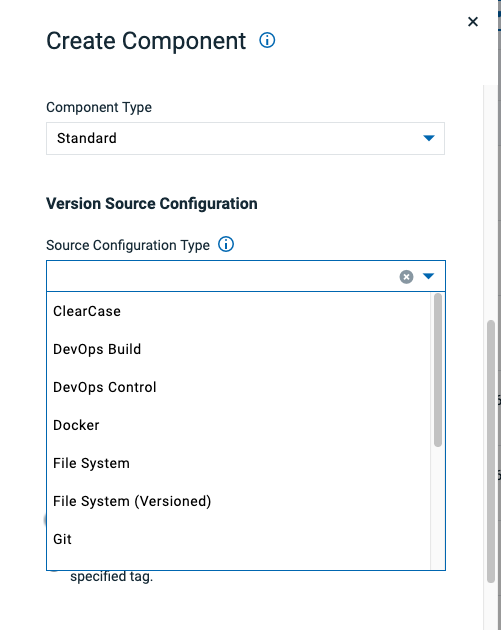 | |
| Provide the base path from where to import versions for this component | 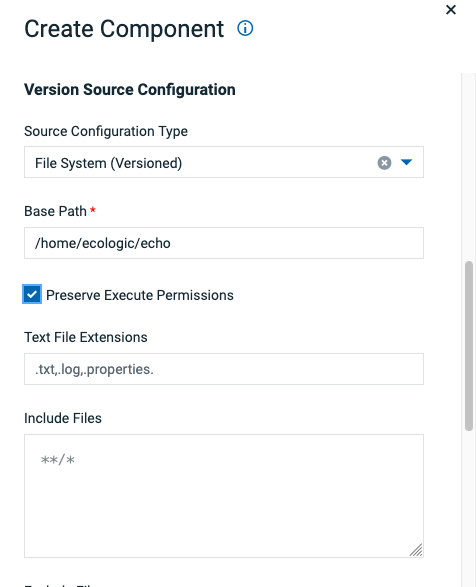 | |
| use "home/echologic/echo" for this example | ||
| select "copy to Codestation" if not selected automatically | 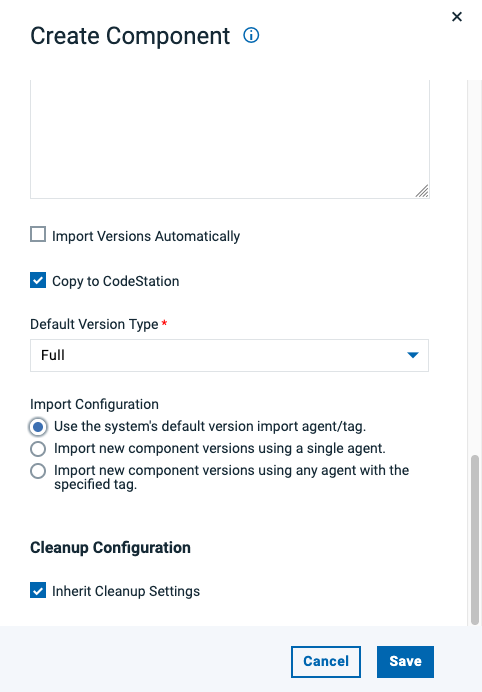 | |
| Component successful created, first view is the Versions view | 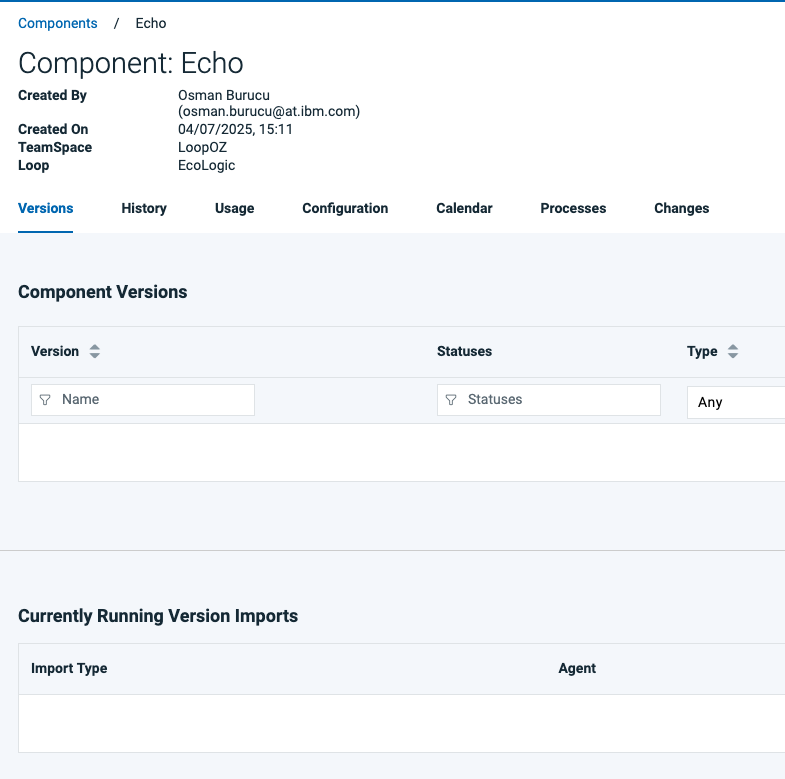 | |
| have a look at the Components configuration, you can change it here if needed | 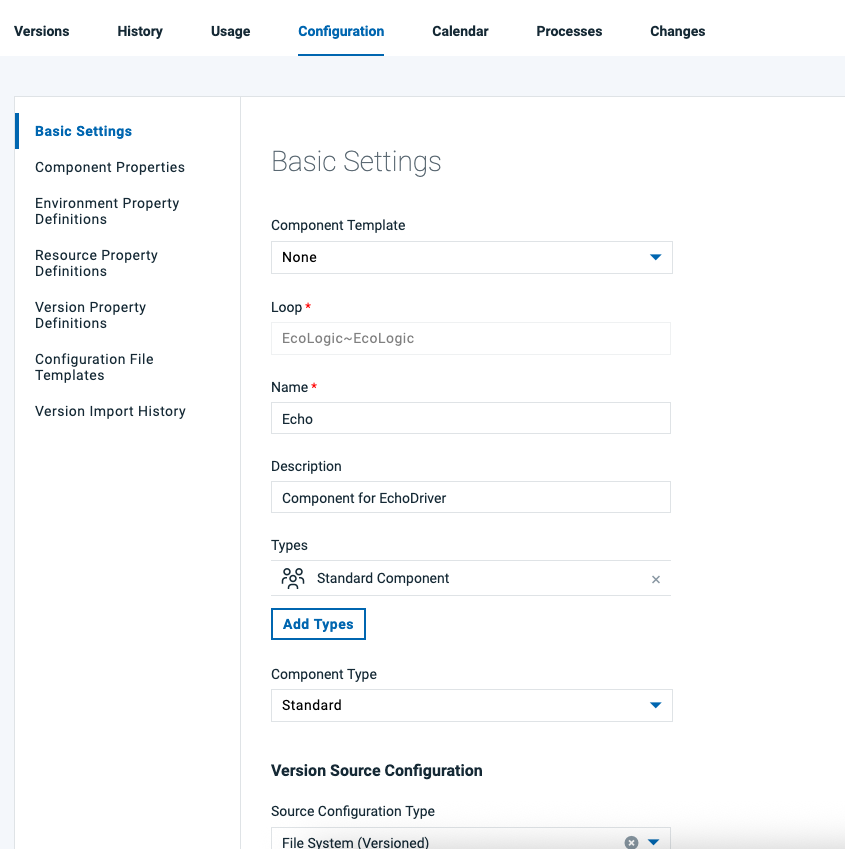 | |
| have a look at the processes of the component, which are empty too | | |
| We will add processes later in this lab |
Importing Components
| Step | Details | Additional Information |
|---|---|---|
| click on Import Component Button |  | |
| Import Dialog opens | 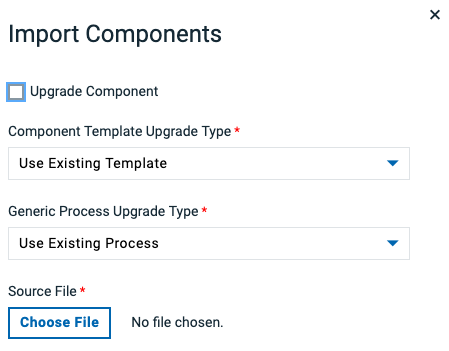 | |
| click on Chose File Button |  | |
| Switch to folder with files and select one | 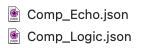 | |
| File is selected | 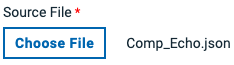 | |
| click the Submit Button |  | |
| Result is component imported | | |
| Repeat Import for second component |