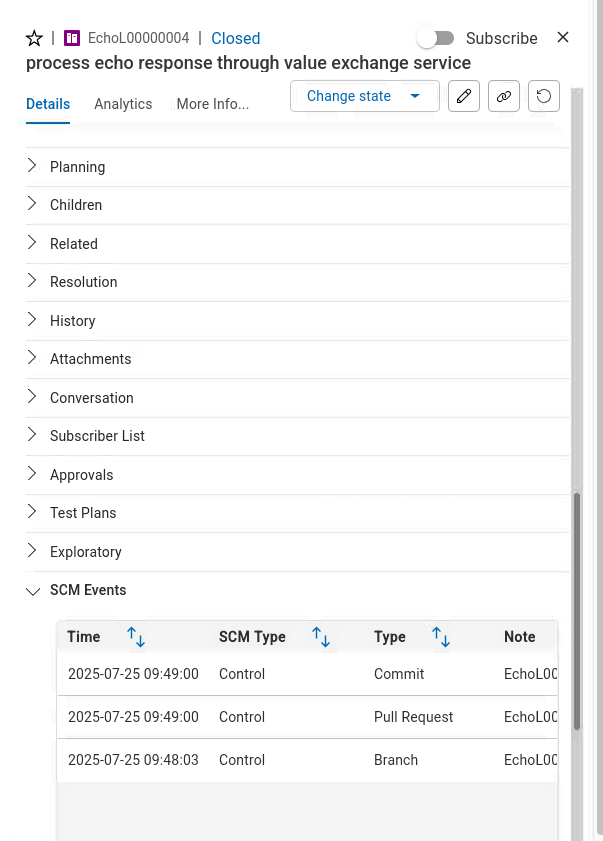
Plan Lab
Please have a look at the DevOps Plan documentation for more details.
Introduction
DevOps Plan is a low‑code, multi-tenant SaaS solution for comprehensive change and issue management, offering customizable workflow automation without requiring deep coding skills. The tool streamlines change tracking, improves issue resolution, and enhances operational efficiency by enabling organizations to tailor workflows and integrate seamlessly with their existing cloud environments.
To learn more about DevOps Plan please have a look at the documentation.
How to switch to Plan from Home Page
| Step | Details | Additional Information |
|---|---|---|
| 1 | You can always switch using the central app switcher on the top left of your screen | 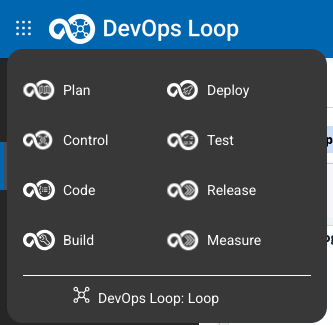 |
| 2 | Or You can switch directly to Plan by using the button/link from What would you like to do today section | 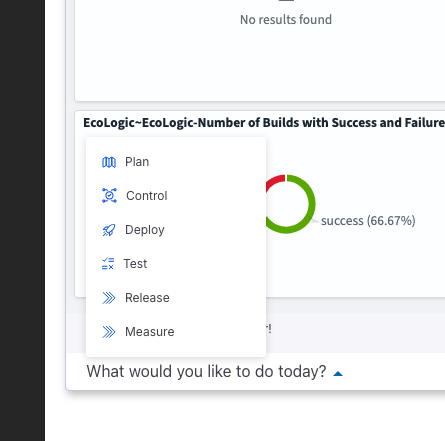 |
Demo Data or New Application with Sample Data
| Step | Details | Additional Information |
|---|---|---|
| 1 | How to create a new Application | |
| If you want to create a new Application and do not want to use the pre-created application | ||
| Please follow the instructions: | how to create a new Application with Sample Data | |
| 2 | Setup Demo Data | |
| You can use the pre-created Plan application from your Loop and add sample data: | Follow this document to import Demo data into Plan |
Let's go with Plan
| Step | Details | Additional Information |
|---|---|---|
| 1 | Select Plan application to use | |
| If you have not set your default Plan application you will be provided with a screen with all applications you have access to. | 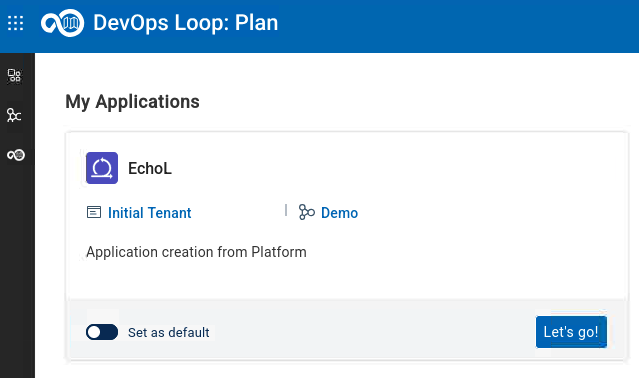 | |
| If you have created additional Applications then you will get a list | 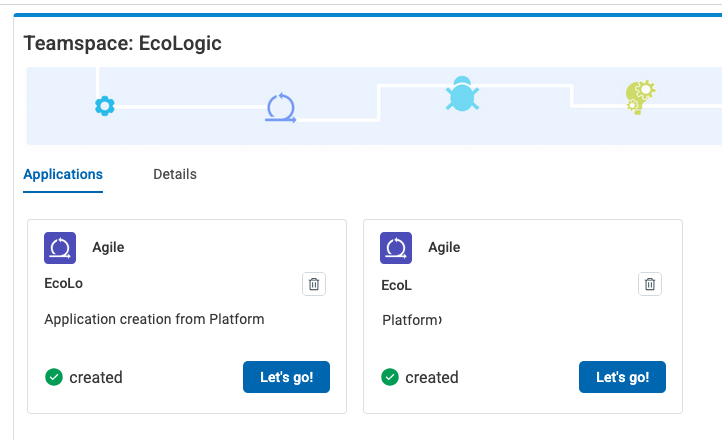 | |
| Set the provided app as default and press "Let's go" to proceed. | ||
| 2 | Welcome Page for first time users | |
| If you have logged in the first time into Plan you will get a Welcome Screen: | 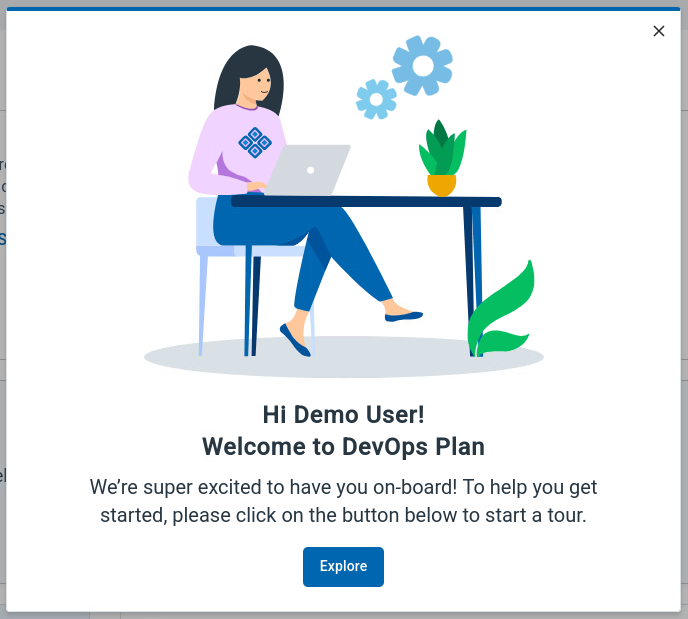 | |
| By pressing the button "Explore" a new page is shown which provides an Introduction | 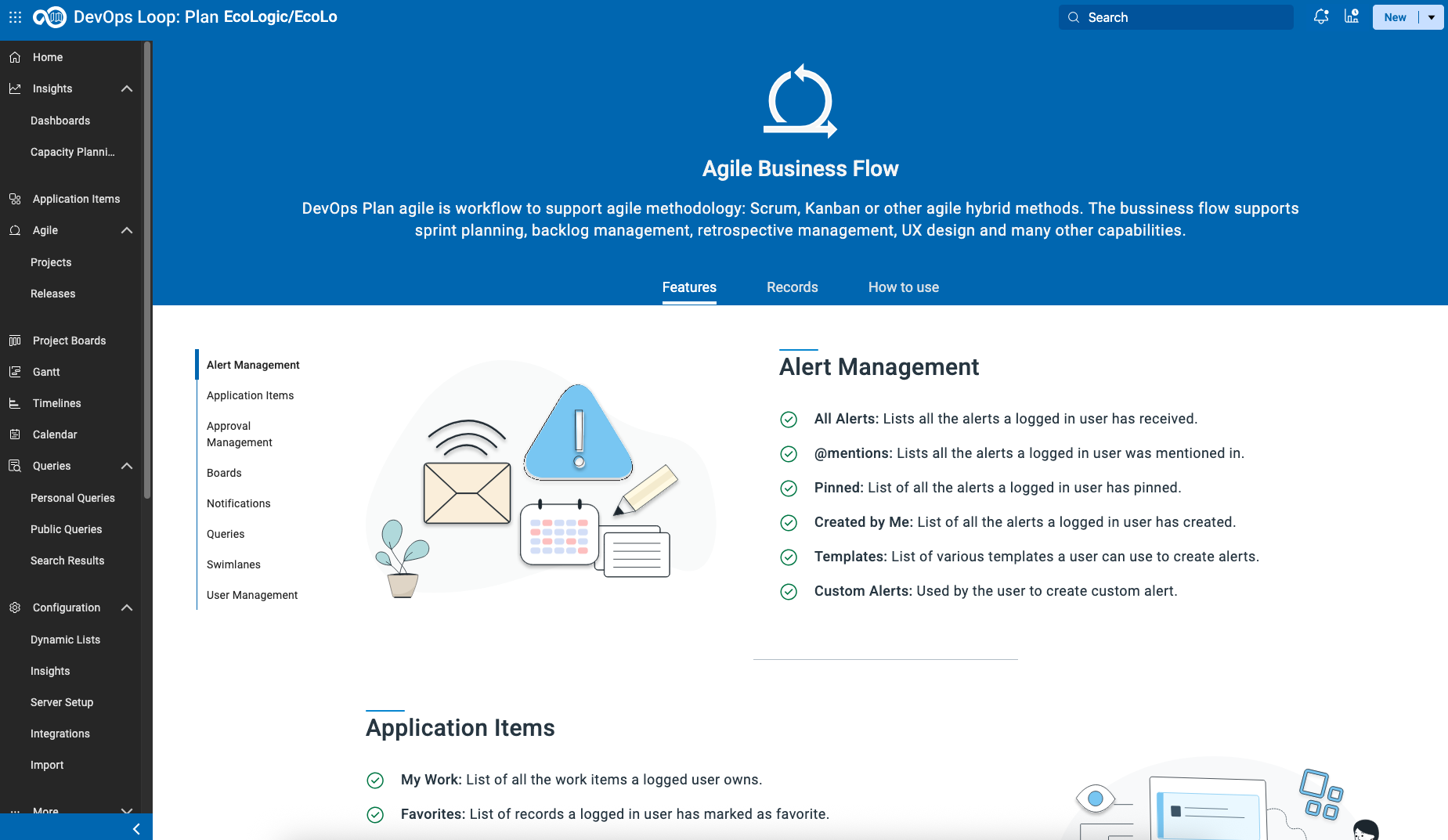 | |
| to Plan and the used workflow model for the selected application: |
Use Home Button to switch to Plan Home Page
| Step | Details | Additional Information |
|---|---|---|
| 1 | Please use the "Home" button on the left sidebar to switch to the Home page for Plan |  |
| 2 | View basic information and also the means to switch between Plan applications (My Applications Button on the right) | 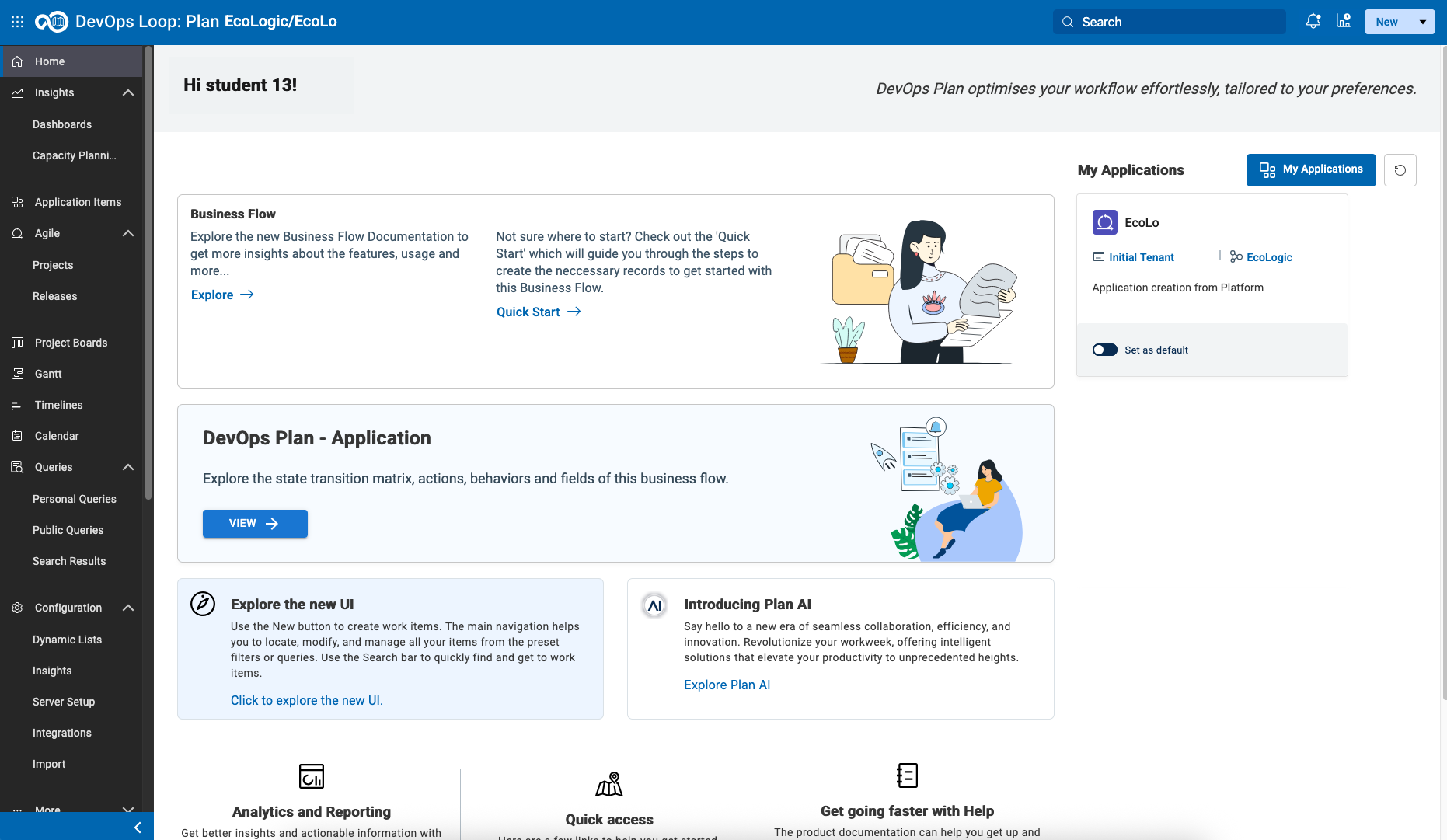 |
| 3 | The explore options on this page will forward you to the Exploration page mentioned above. |
Explore the technical worflow
| Step | Details | Additional Information |
|---|---|---|
| 1 | Pressing the button "View" | 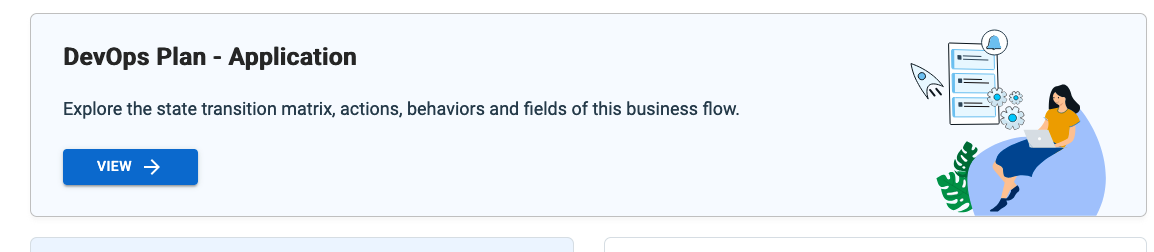 |
| 2 | will open a new view to the technical details of the used workflow for the selected application | 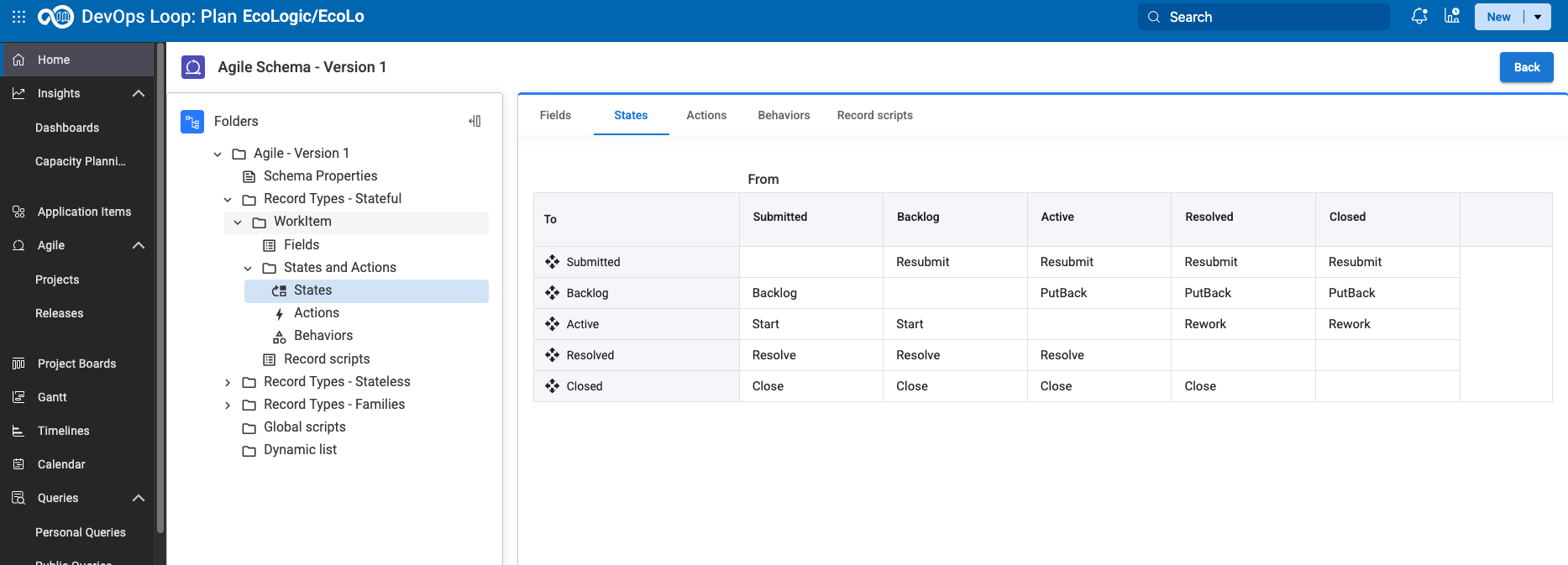 |
| 3 | This view provides the used record types, fields, transition matrizes and more. |
AI Assistant
Please follow this steps for setting up the AI integration in Plan.
Learn more how to use the Plan AI Assistant
Work with Boards
Please follow these instructions to learn more about Boards.
Create and customize a new Project
Please follow these instructions to create a new Project.
Work with Queries
Please follow these instructions to show how to work with Queries