Boards
Work with Boards
Project Board
Project Boards provide a graphical Kanban style overview of worktitems.
TODO: add more text here
| Step | Details | Additional Information |
|---|---|---|
To open the board use the Project Board icon  on the Sidebar | 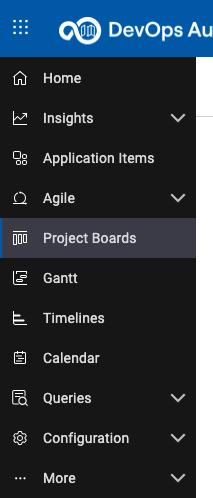 | |
| The initial view is your My Board view which will show worktitems that are assigned to you. As we newly started the board may be empty | 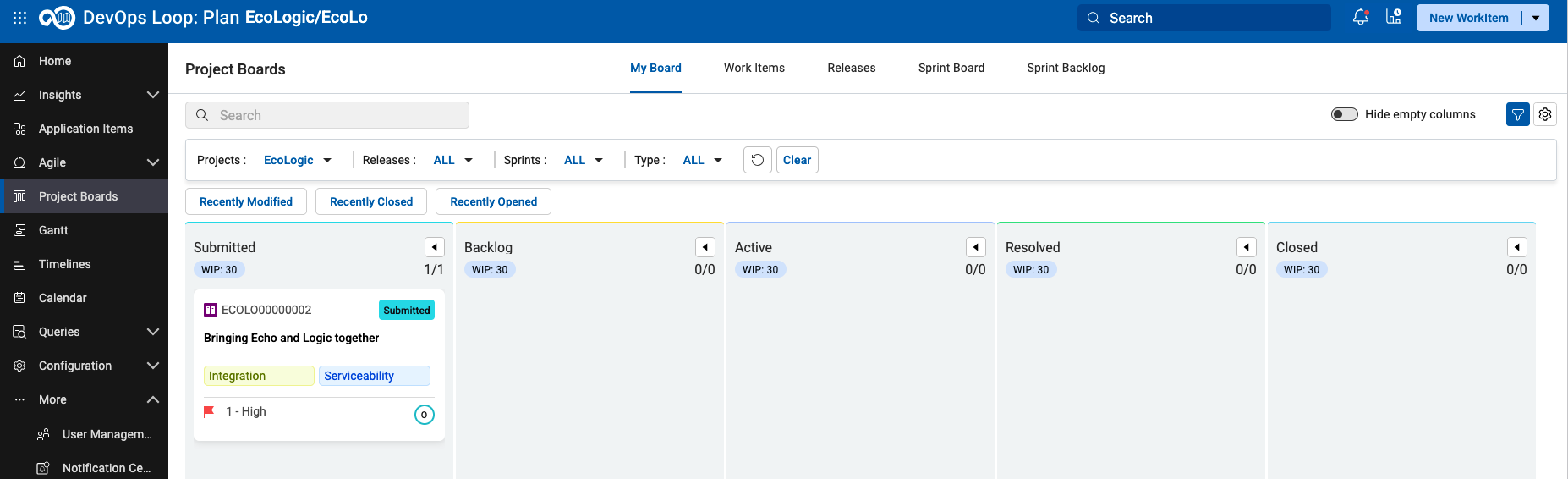 |
TODO: Show the board with data and expain what it is good for and how to use it
Work Items
| Step | Details | Additional Information |
|---|---|---|
| Click on the Work Items Tab to view all Work Items (WI) of the project | 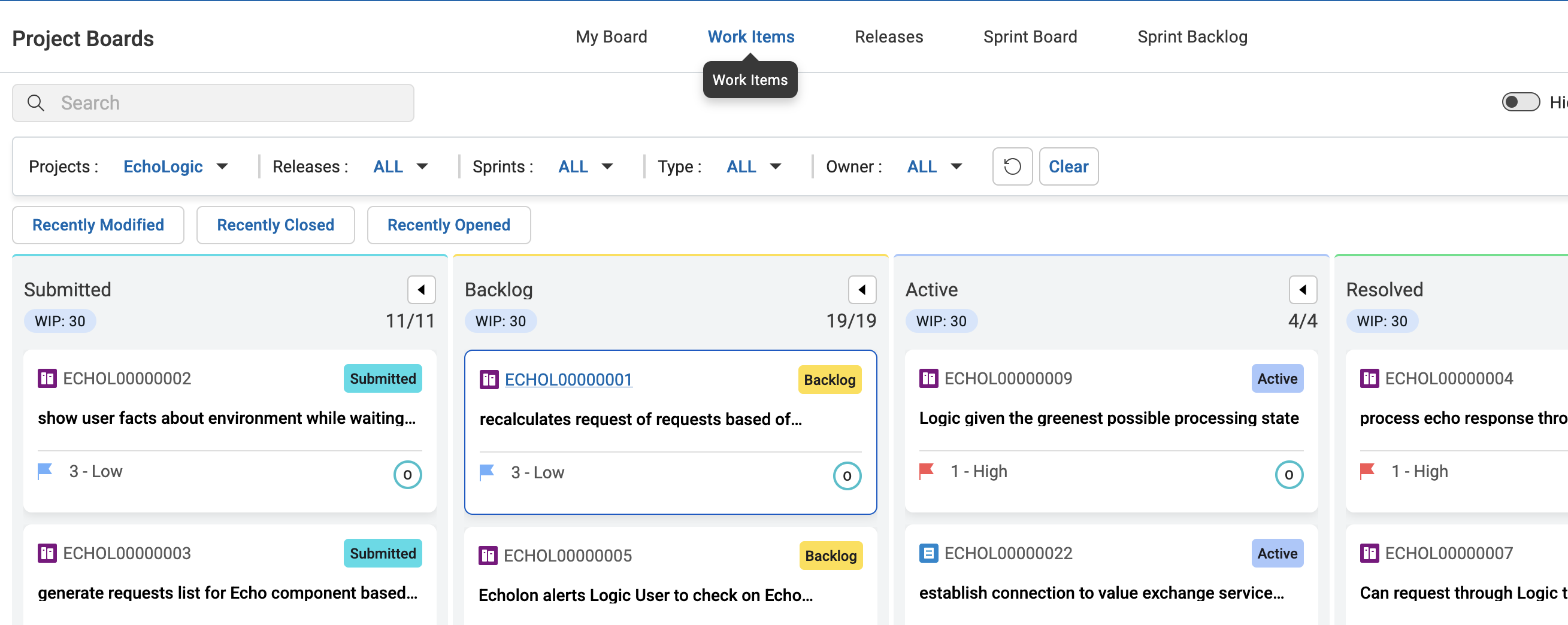 | |
| Let's view a Work Item and it's Details. Please select item in the Closed column of the board | 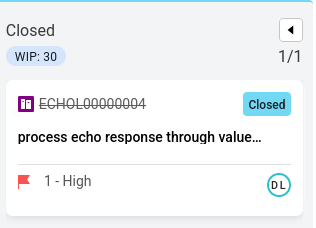 | |
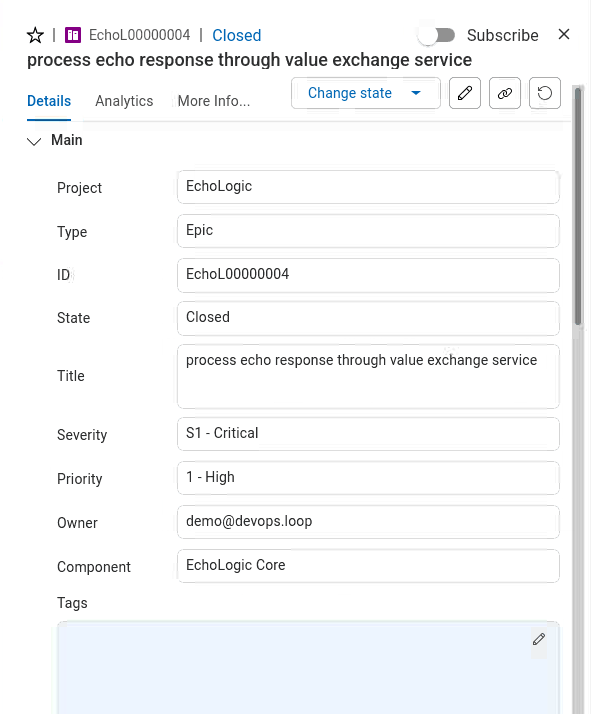 | ||
| Scroll down to show SCM Events Section and click on it | 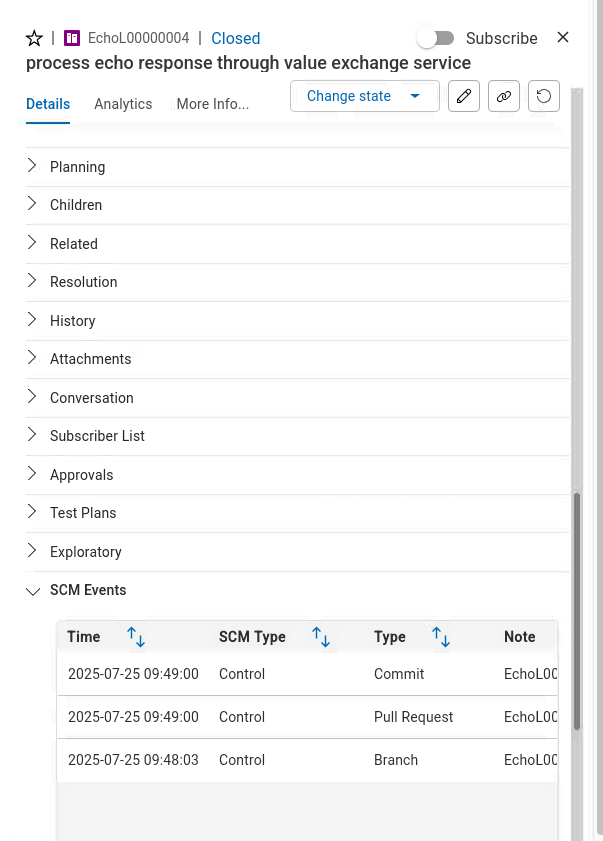 | |
| Click on the first entry to show the link between work item to code changes | 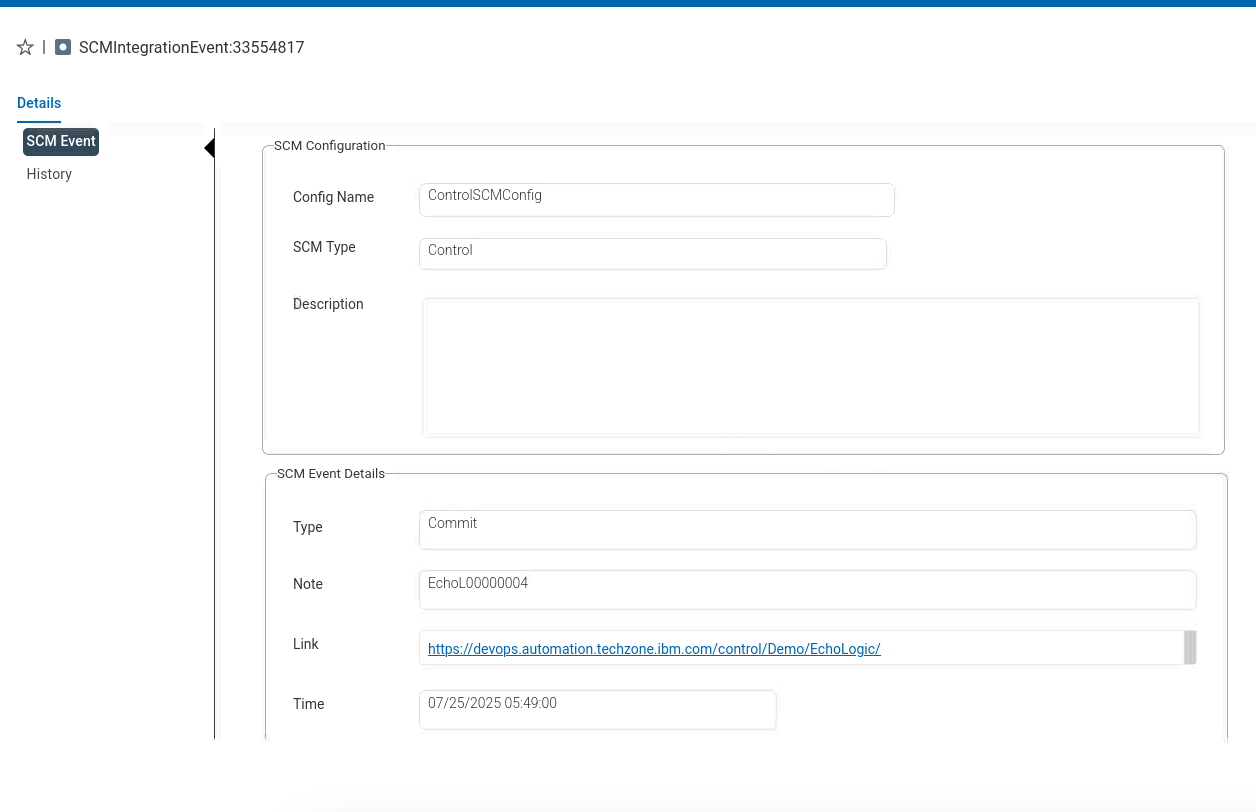 | |
| and explain how easy it is to have traceability | 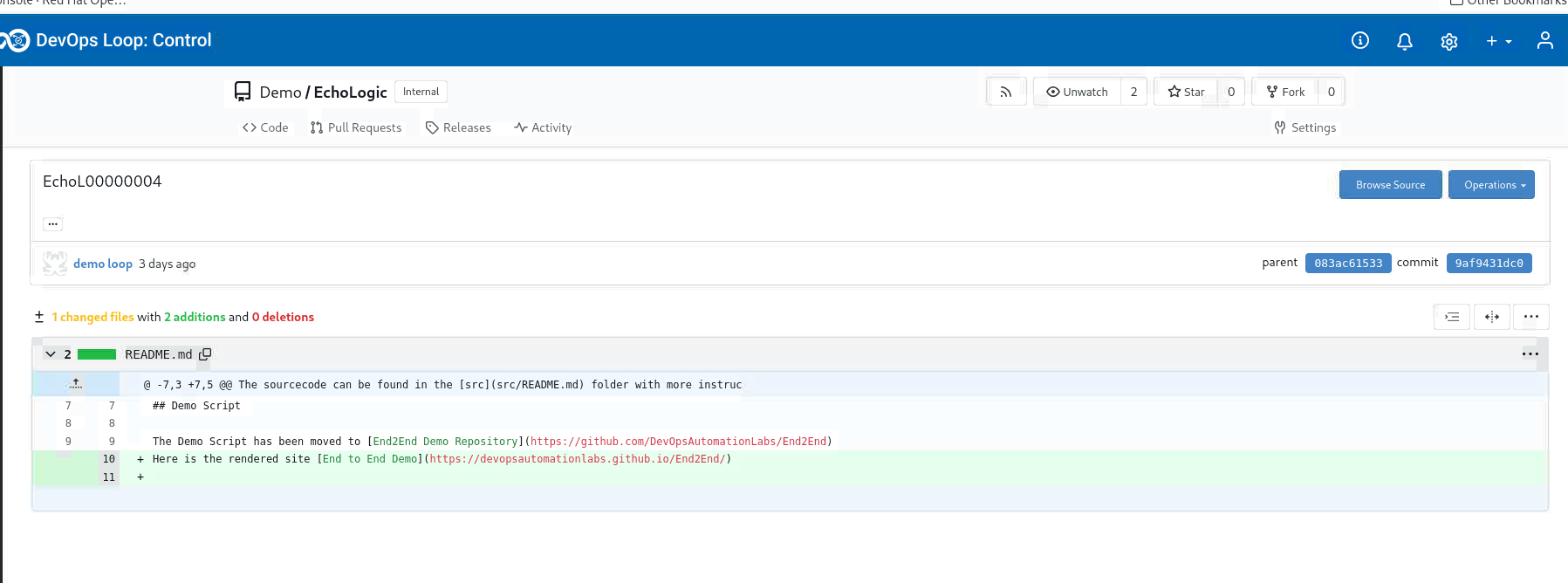 | |
| Optional: Use AI for Exploratory Test creation |
Workitem
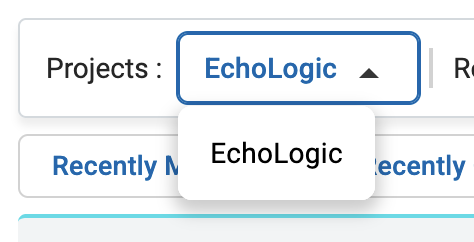
Filter Projects
Filter Epics
| Step | Details | Additional Information |
|---|---|---|
| 1 | Show how to filter out Epics by using the Type filter | 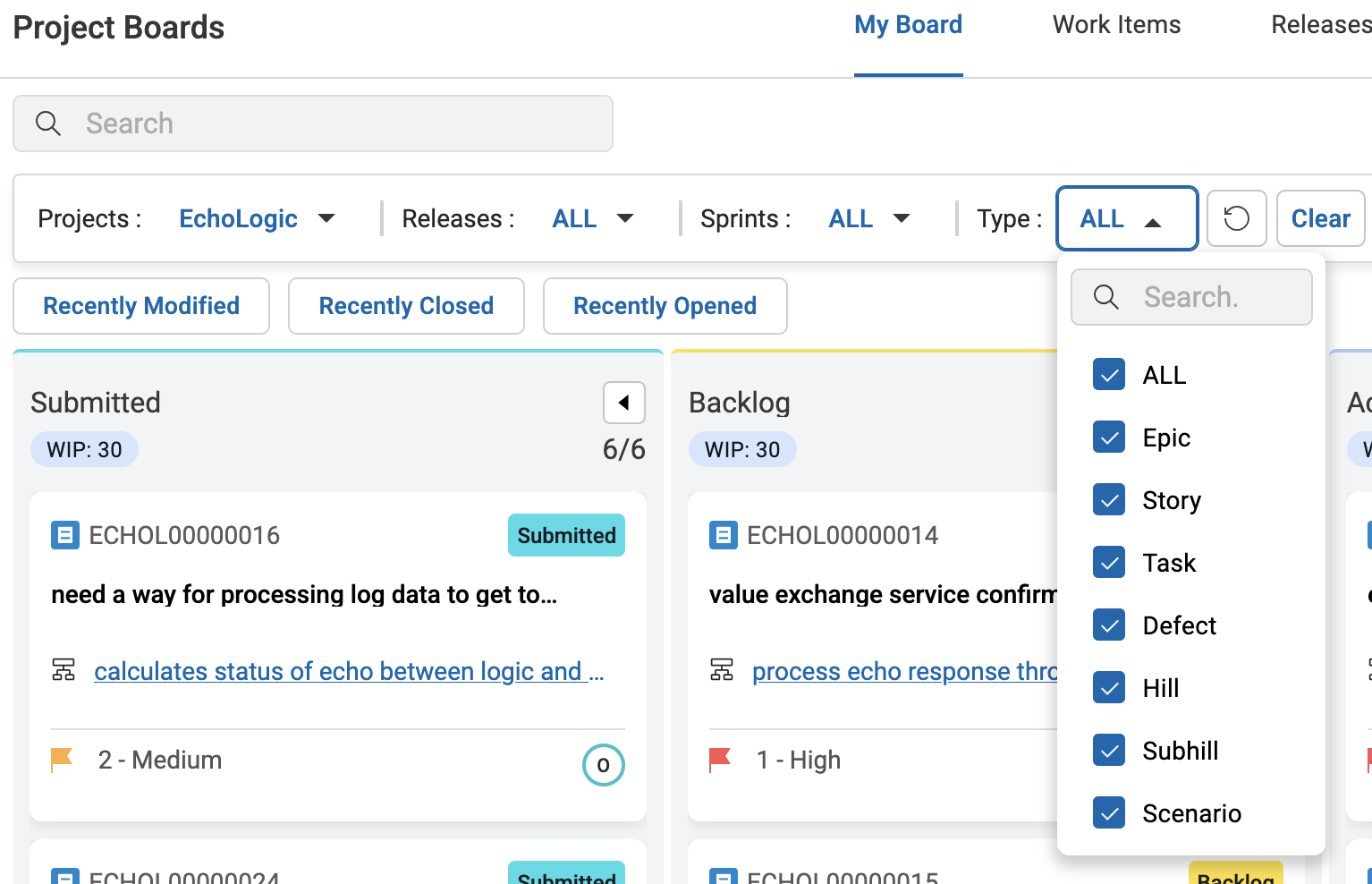 |
| 2 | Uncheck Epic from the list of Types | 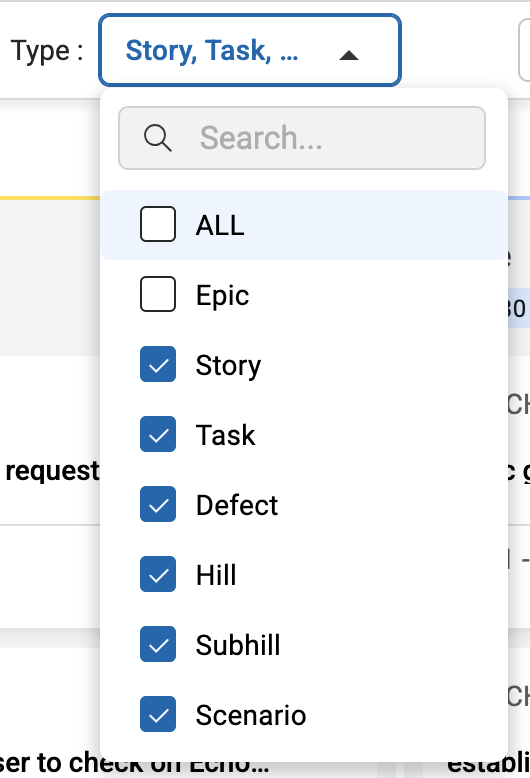 |
| 3 | Click on an empty field to trigger filter | |
| 4 | Filtered Board (Epics are hidden) is shown | 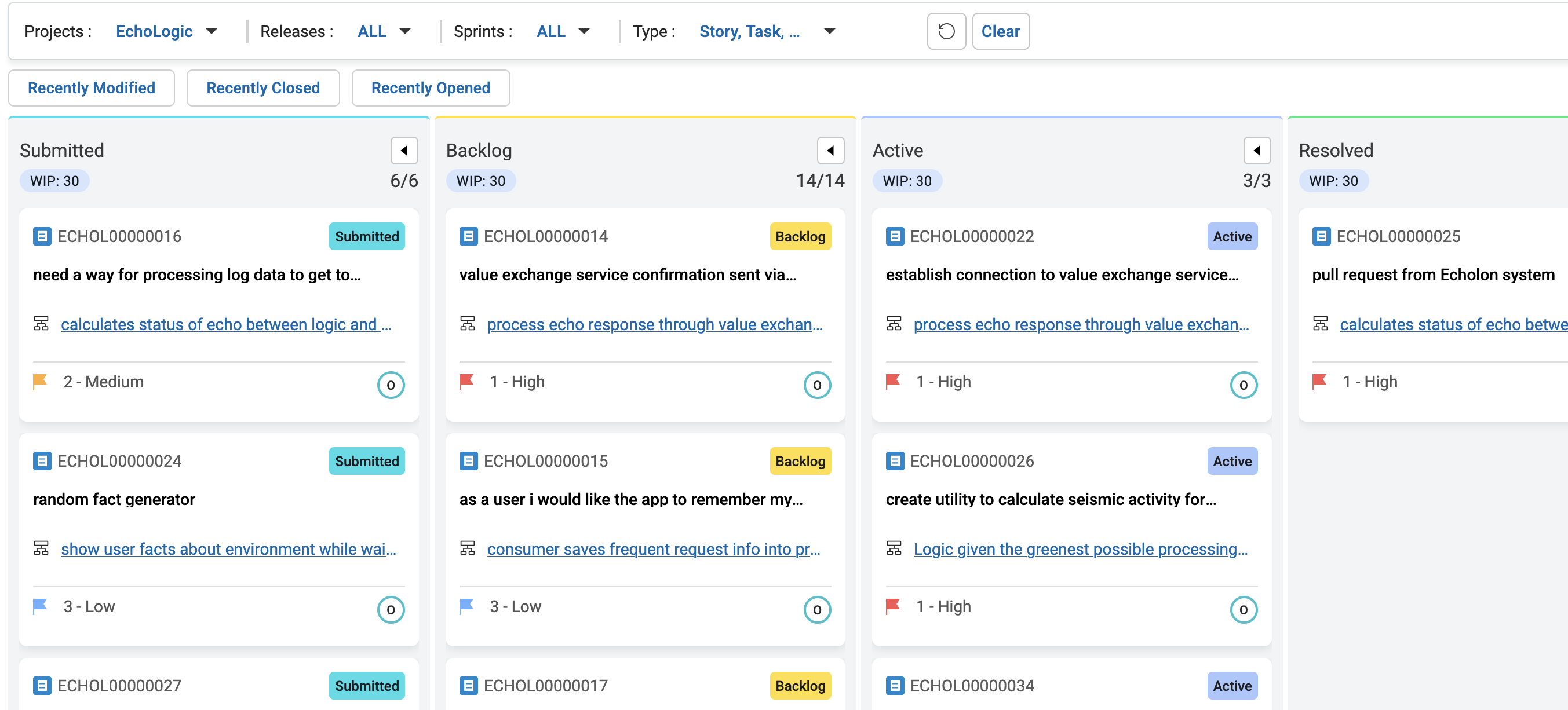 |
| 5 | Clear the filter by pressing Clear Button |  |
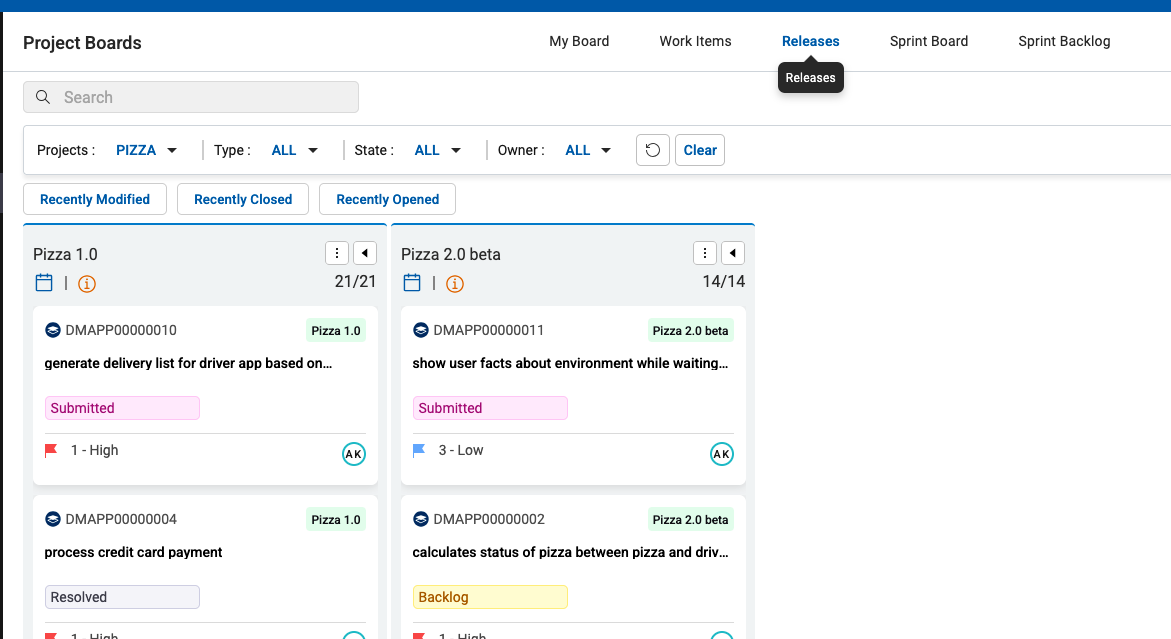
Show Releases
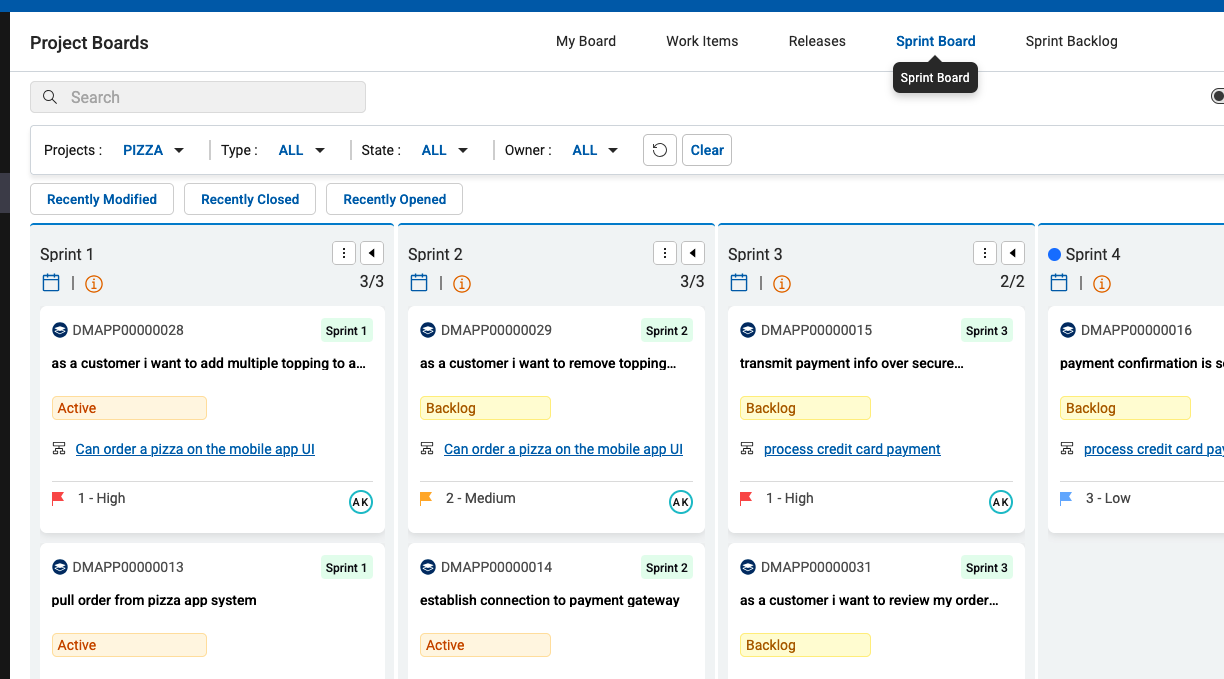
Show Sprints
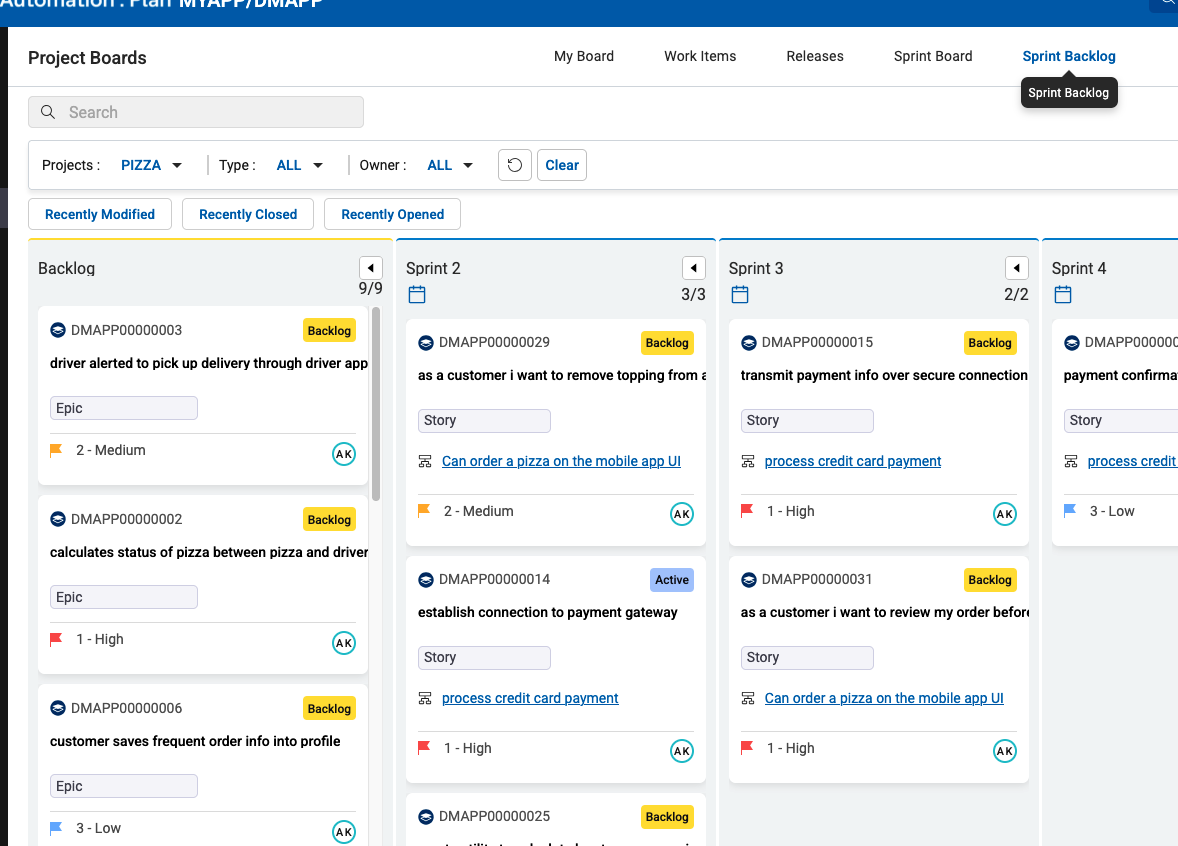
Show Sprint Backlog
Conclusion
Go back to Plan, Lab and Demo Overview or proceed with Next Lab