Introduction A very short introduction to DevOps Loop.
Start Here To use the platform you have to be onboarded onto it. This is normally done by your administrators. URLs and User names are examples, please check with your admin about the information.
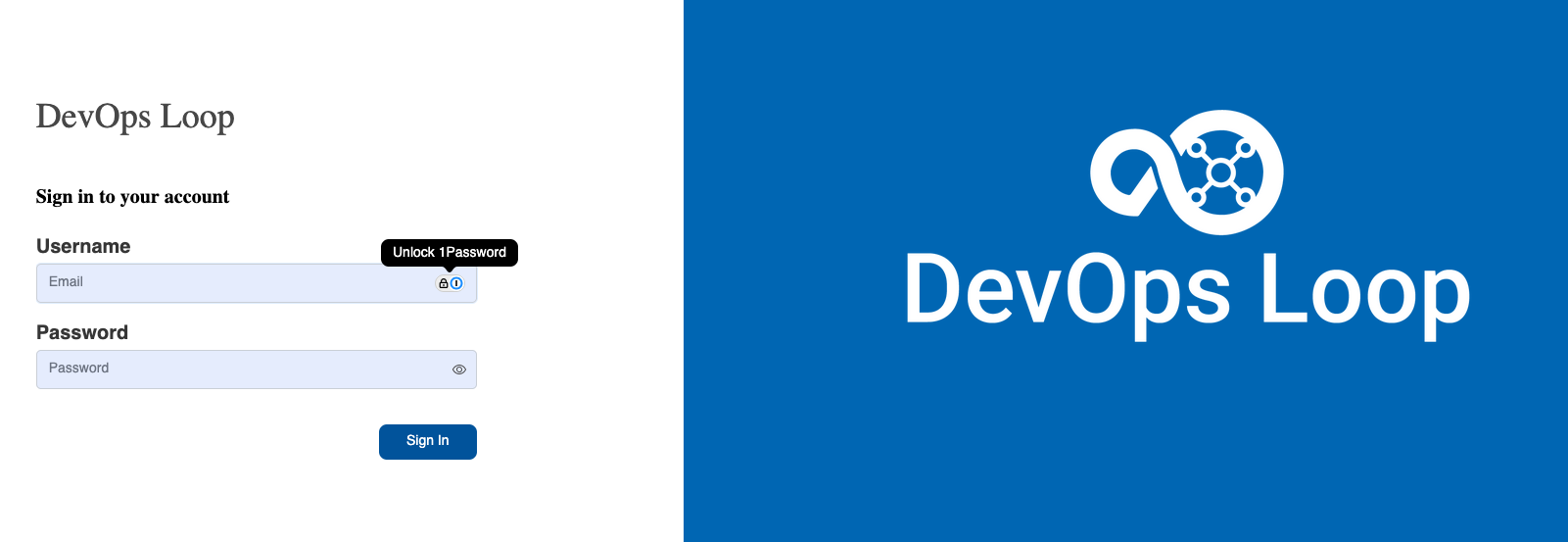
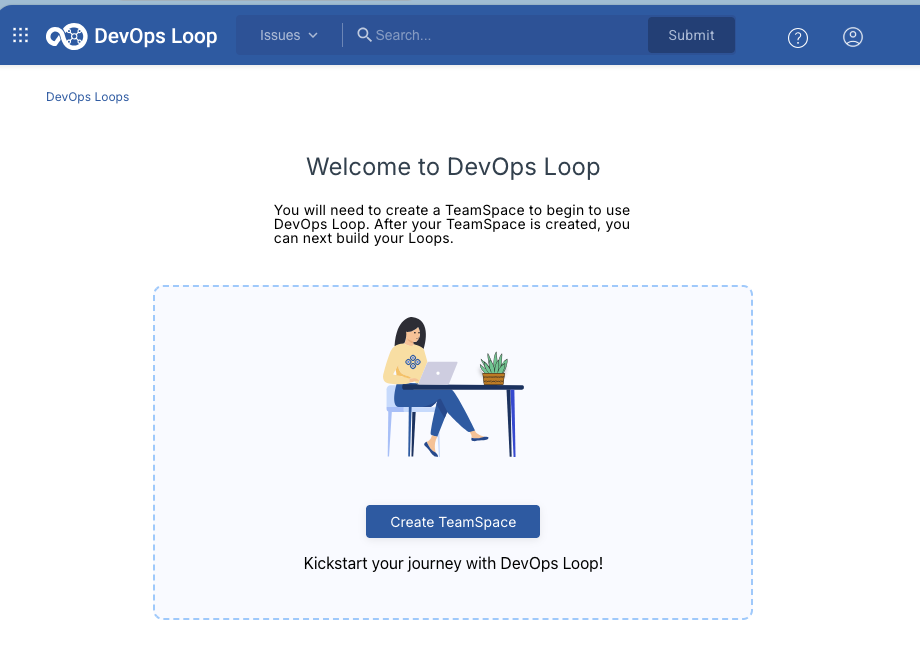
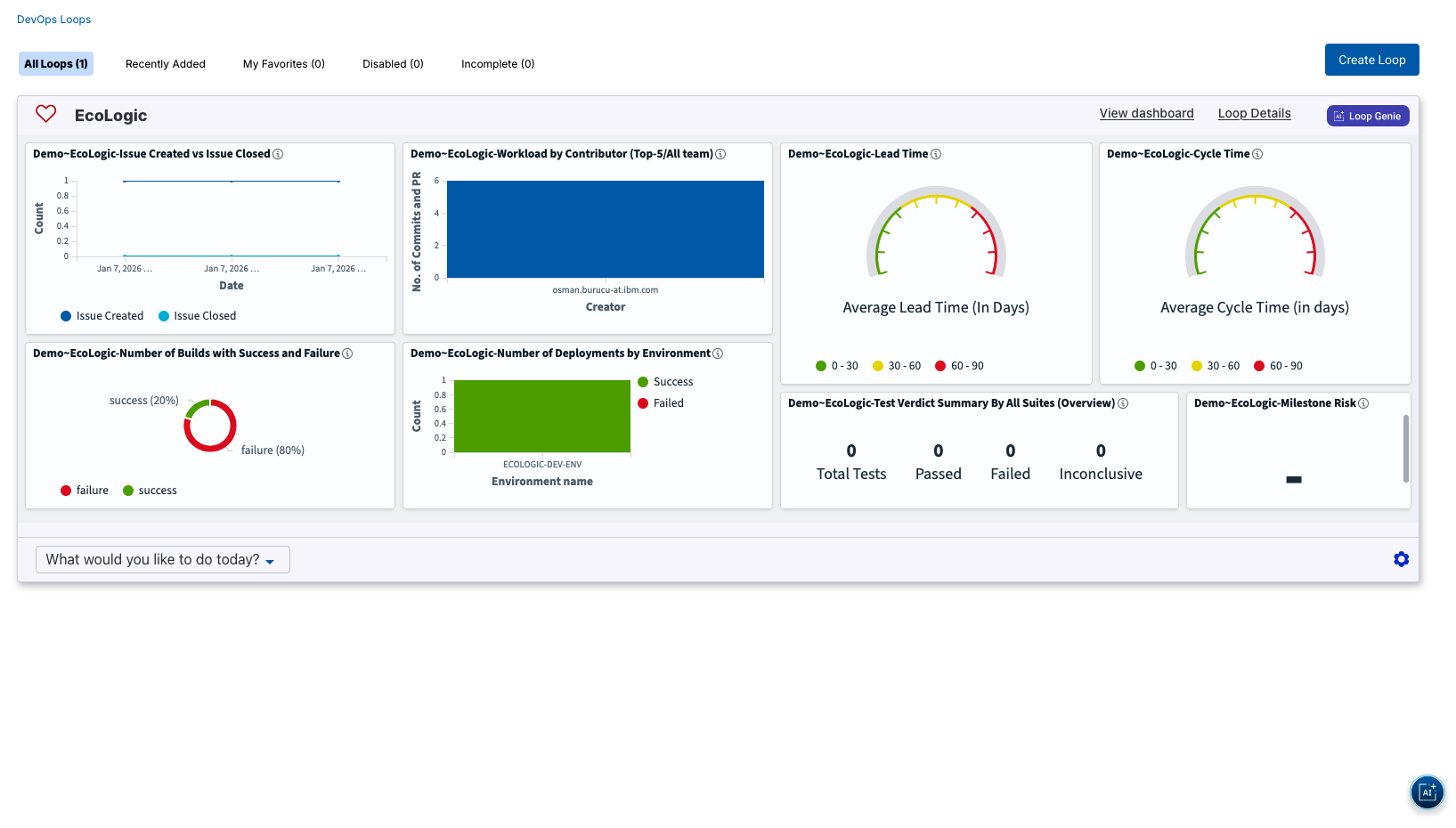
How to log in The Home Page Step Details Additional Information 1 After you have been logged in you will be directed to your homepage 2 If no Teamspace or Loop has been created follow: Creation of a Teamspace and Loops instructions 3 if a Teamspace and Loop exists it will provide you an overview about metrics from your Loops 4 To switch between Teamspaces follow this guide: Switching between Teamspaces
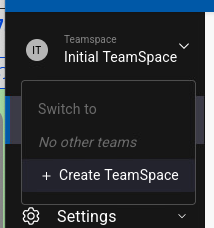
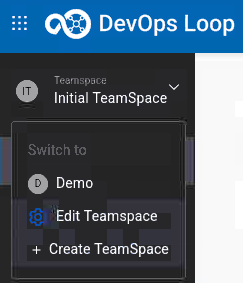
Switch between Teamspaces and back to Home Step Details Additional Information If you are in a different teamspace, click on teamspace Icon and switch to Demo If you are not on the Home Page page, click on Home Button in the side bar to switch to the Home Page
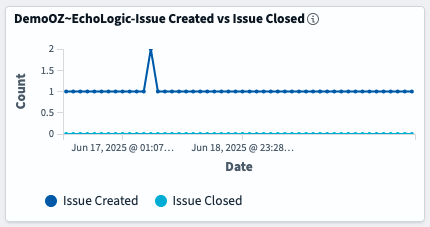
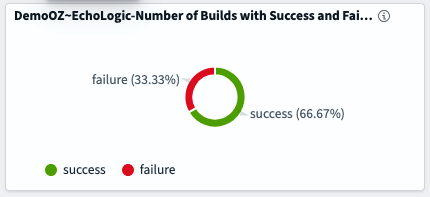
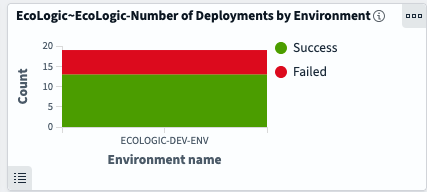
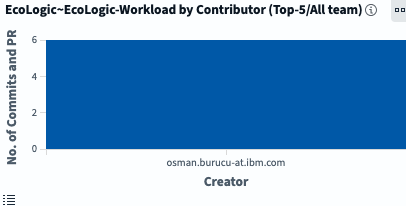
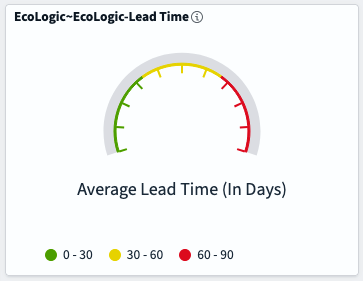
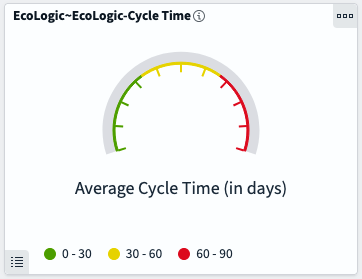
Dashboard and Metrics Step Details Additional Information 1 The Home Page provides metrics and dashboards over all of accessible Loops 2 Showing data from Plan - Ratio of Issues created versus closed 3 Number of Build Jobs failed and successful finished 4 Count of Deployments and how many of them were successfull or failed 5 Top contributors in Control 6 Two DORA (DevOps Research and Assessment) metrics for 6.1 Lead Time: In general, lead-time reflects the time from the start of a project until its final disposition 6.2 Cycle Time: In general, cycle-time reflects the time project elements take to resolve or complete 6.3 Find out more about DORA Metrics here
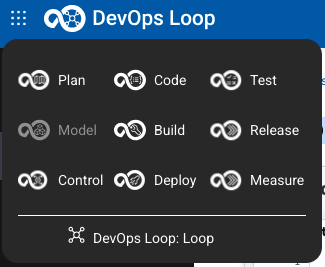
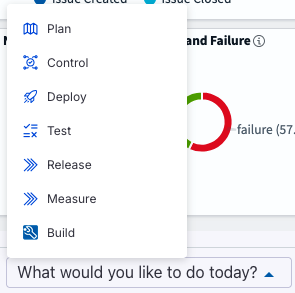
Switching to Capabilities Details Additional Information There are several ways to switch to the capabilites (Plan, Model , Control, Code, Build, Deploy, Test, Measure, Release) 1 by using the central app switcher on the right side of your screen 2 by using the "What would you like to do today?" Menu on the bottom of the Dashboard 2.1 Only the capabilities fully integrated into Teamspaces and Loops are shown
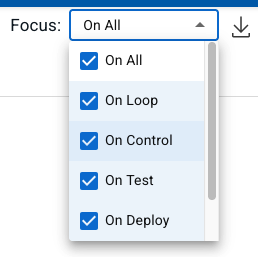
How to use Loop Genie Step Details Additional Information 1 Click on the 2 The Genie Dialog appears and you can start working with Loop Genie 3 you can use the Focus selection box to select the focus area
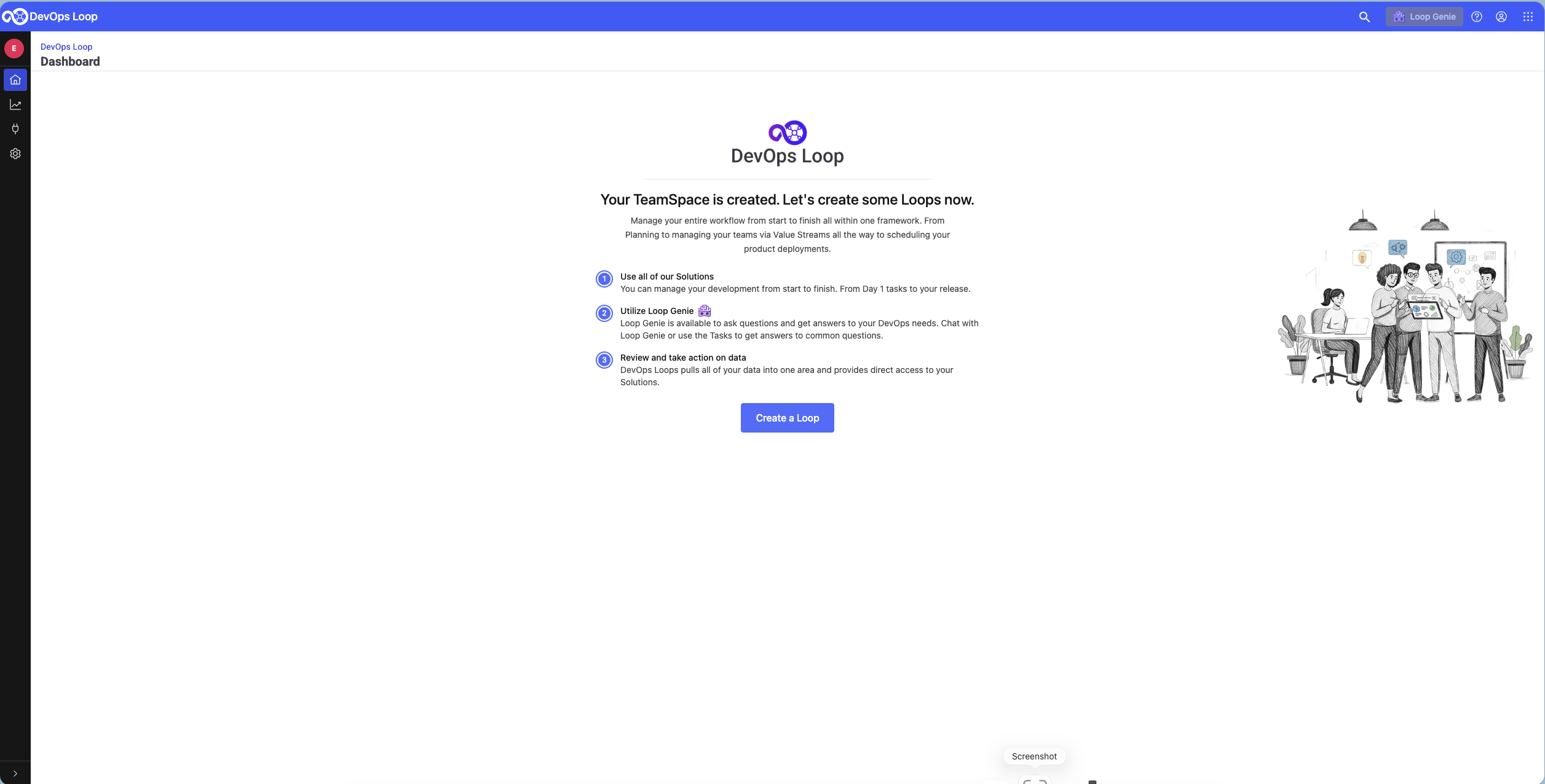
Setup a Teamspace and Loop In the case of an empty environment you need to create a new Teamspace and at least one Loop.
Create a teamspace Please follow the Instructions for creating Teamspace(s) for more details.
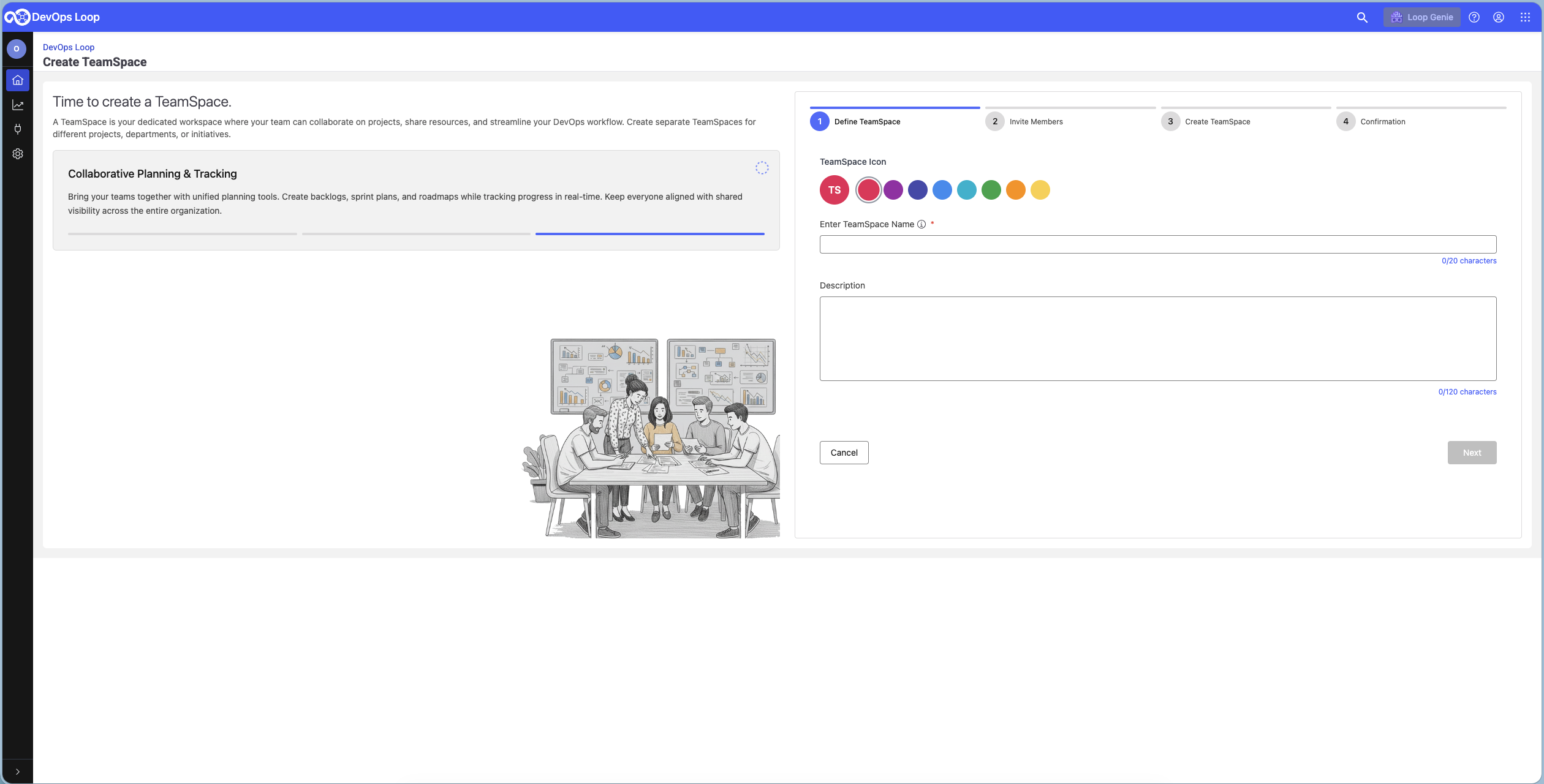
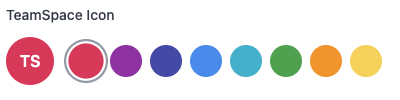
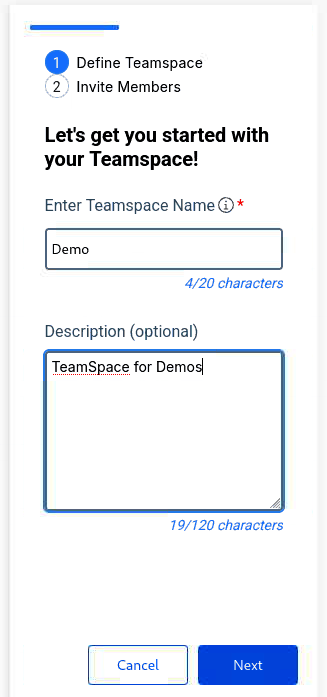
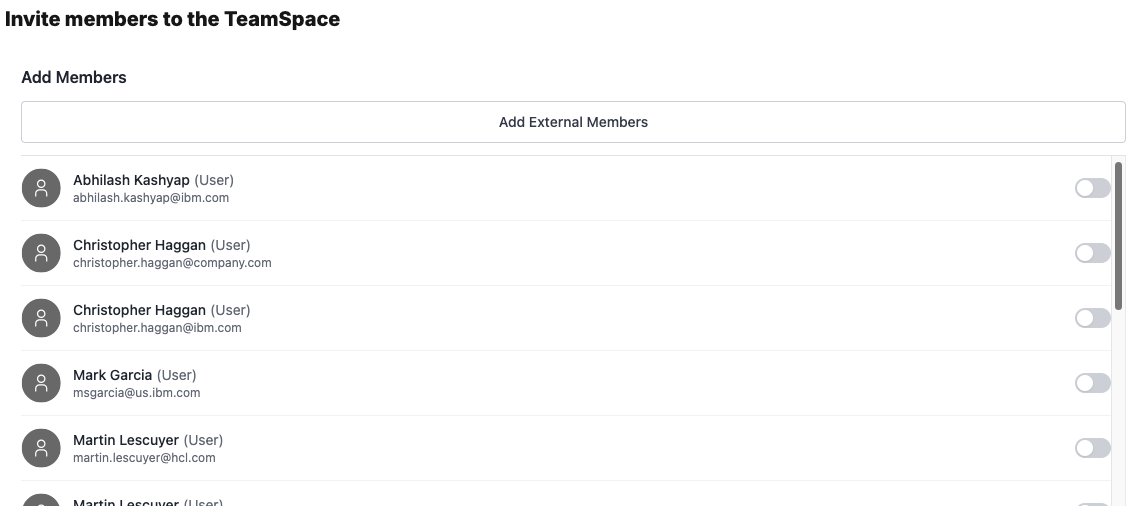
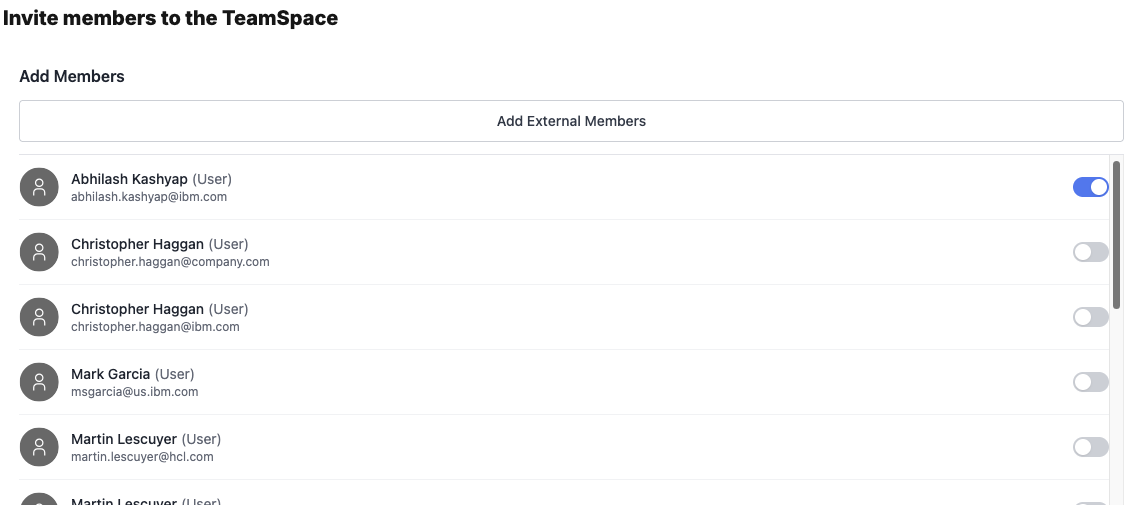
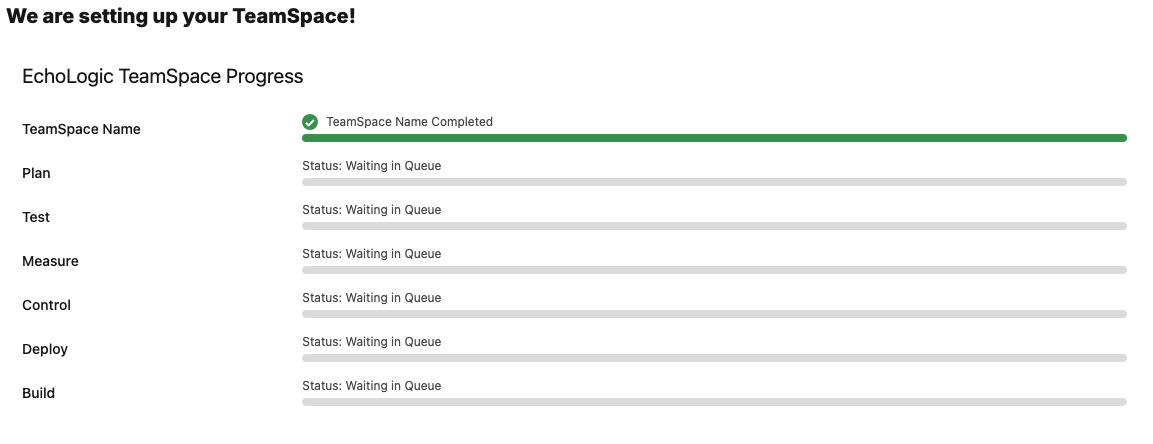
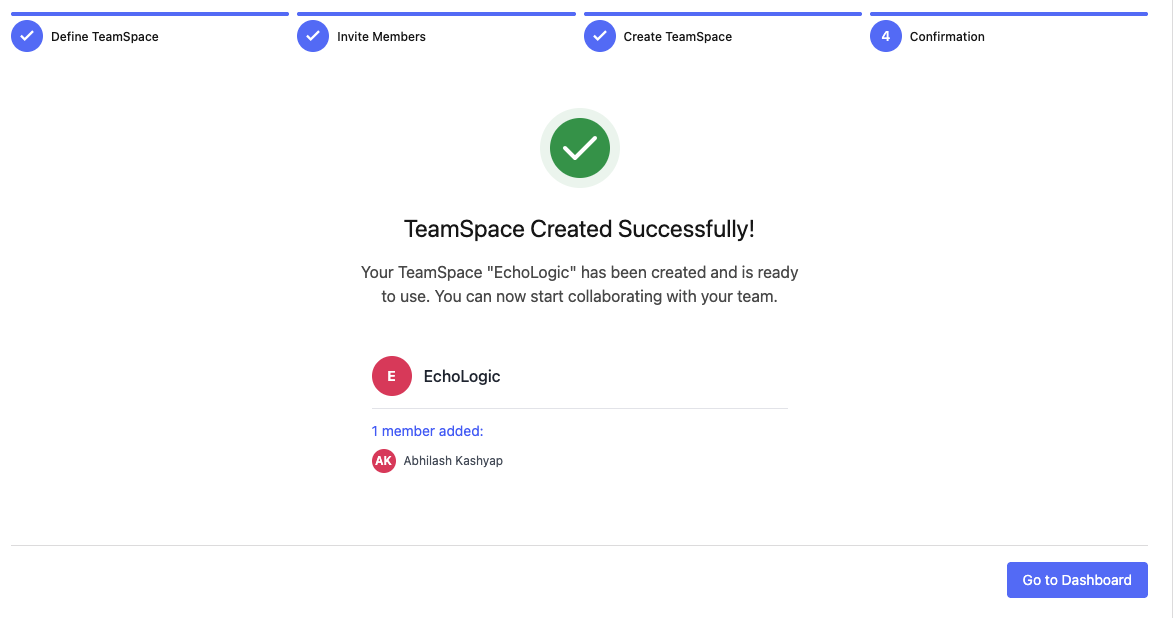
Step Details Additional Information 0 If Loop environment has been freshly set up just click on the Create Teamspace Button to proceed then proceed to step 2, else with next step 1 Click on the Teamspace icon Click on Create teamspace 2 The Create Teamspace screen is shown Select the Icon/Color for the TeamSpace Enter the name and a Description and press Next 3 You can search and add Teammembers to a Teamspace Teammember is added to a list. Proceed to add more members if needed. 4 Press Create to proceed 5 Teamspace creation will take a few moments, as soon as it finishes a success dialog will be shown 6 Teamspace created. Click on Go to Dashboard for next steps
Details Additional Information When the creation of a teamspace is finished you will be forwarded to your empty loops home page for your new teamspace.
Create a Loop You need to create at least one Loop in your teamspace, please follow the Instructions for creation of a new Loop for more details.
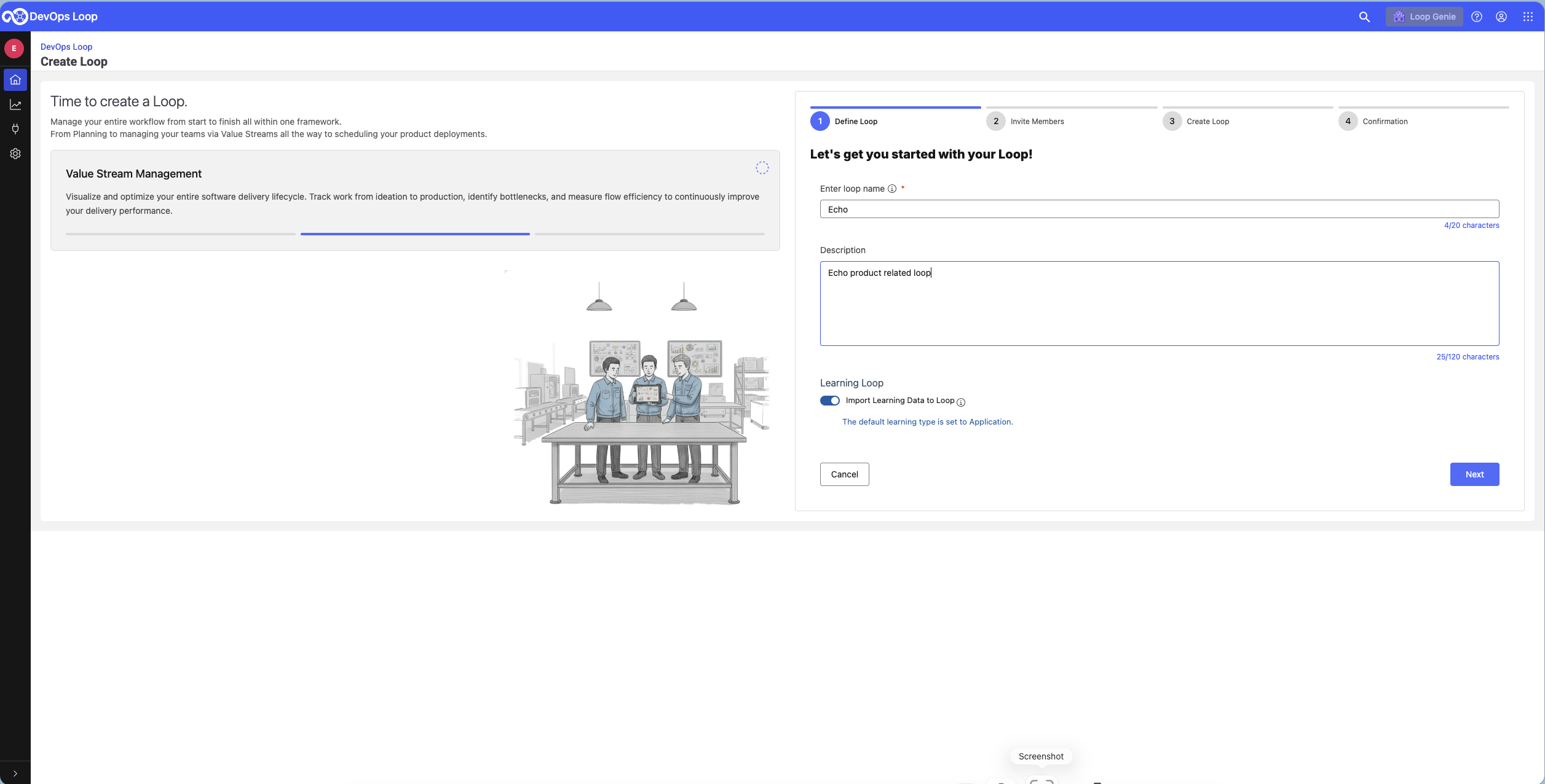
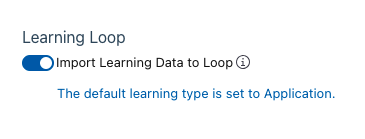
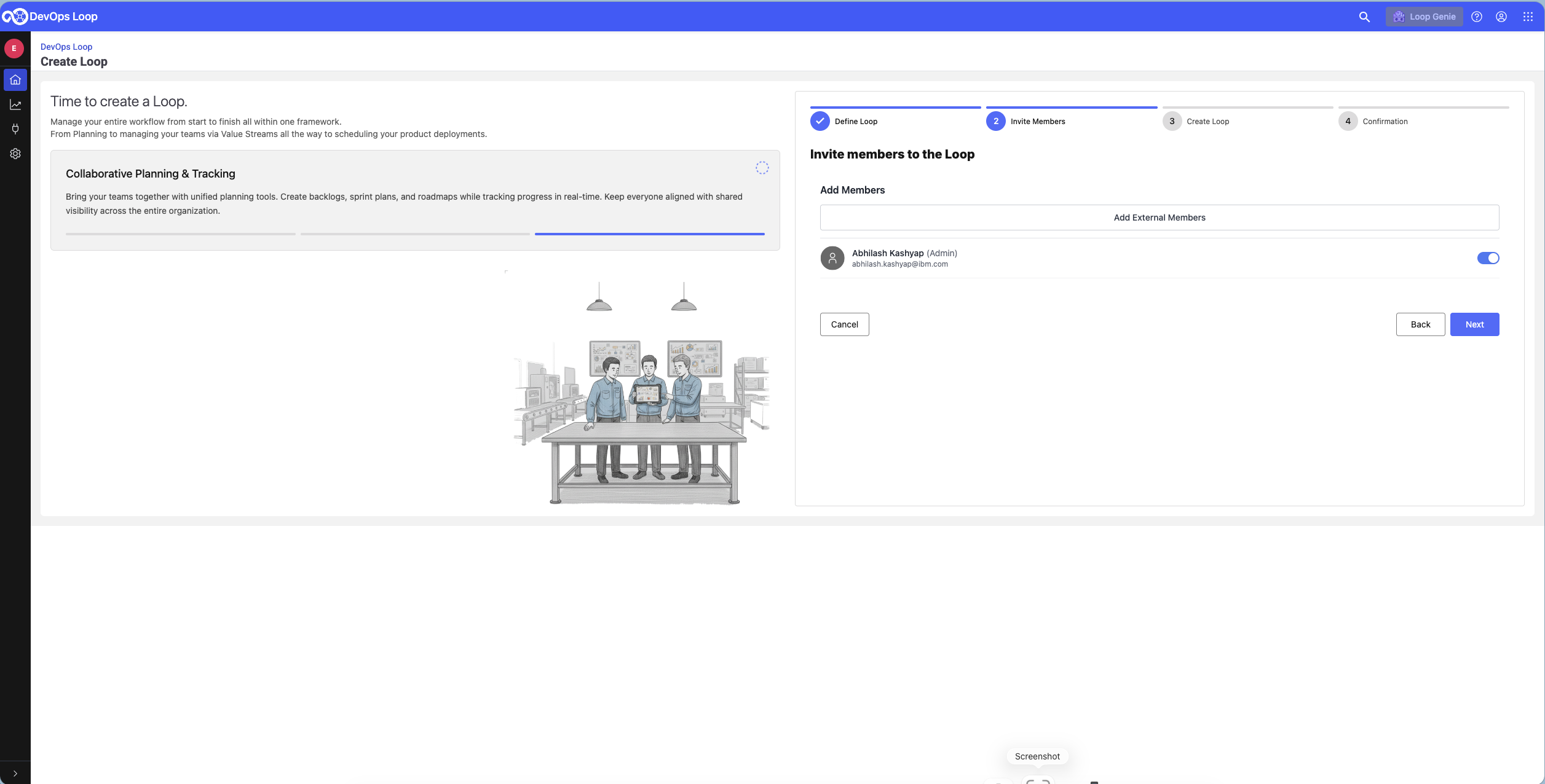
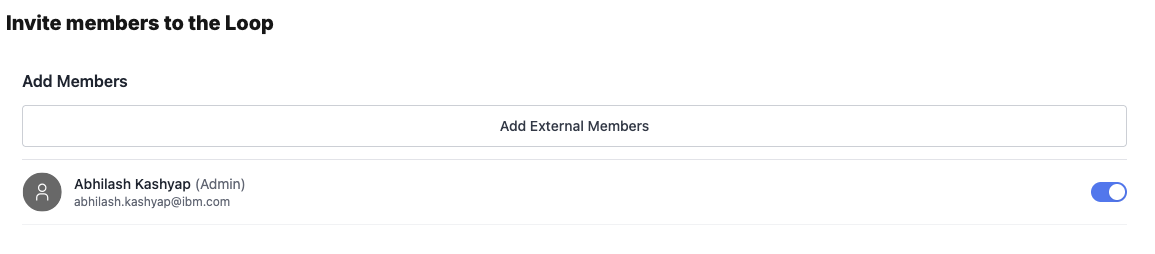
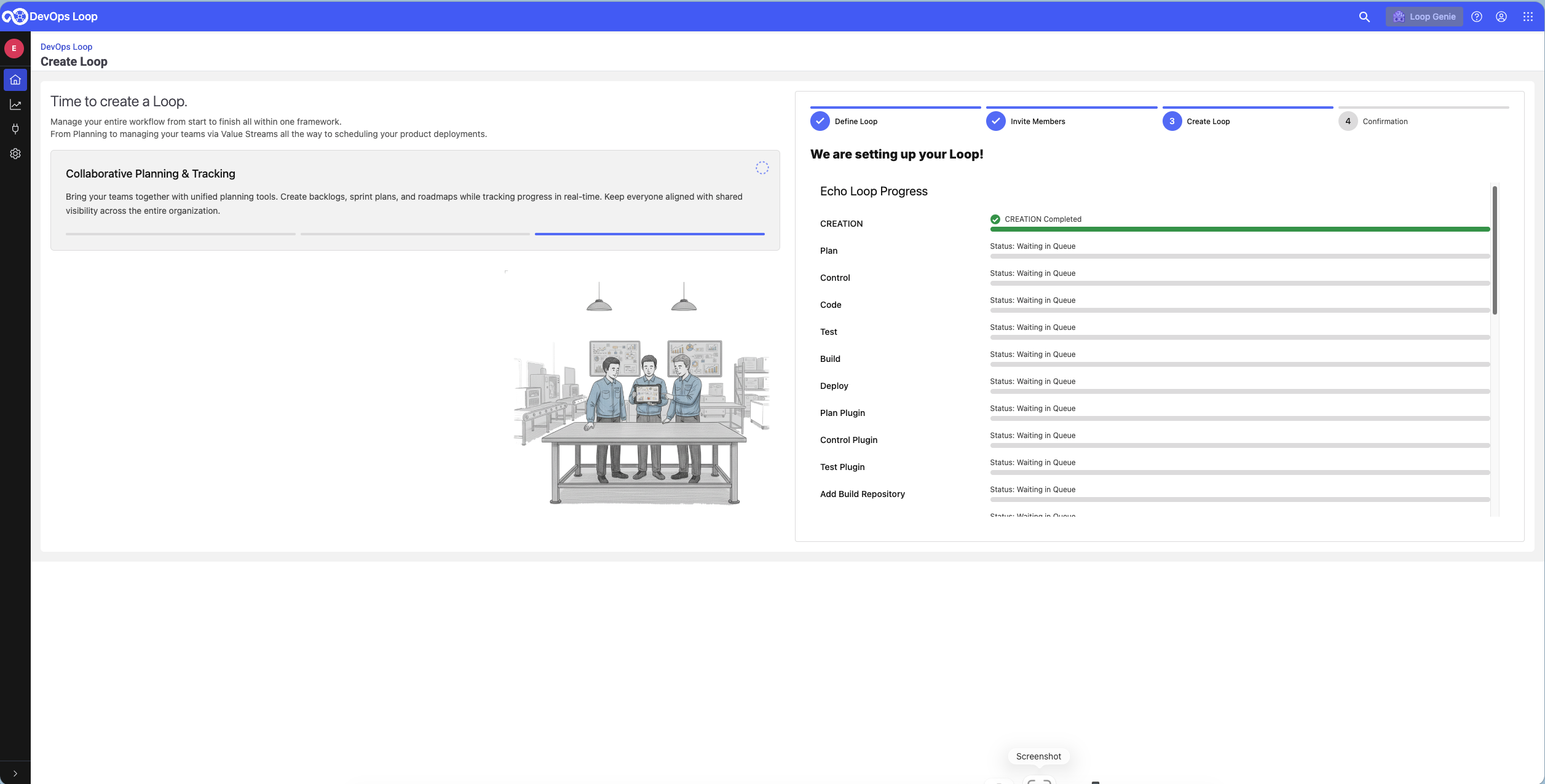
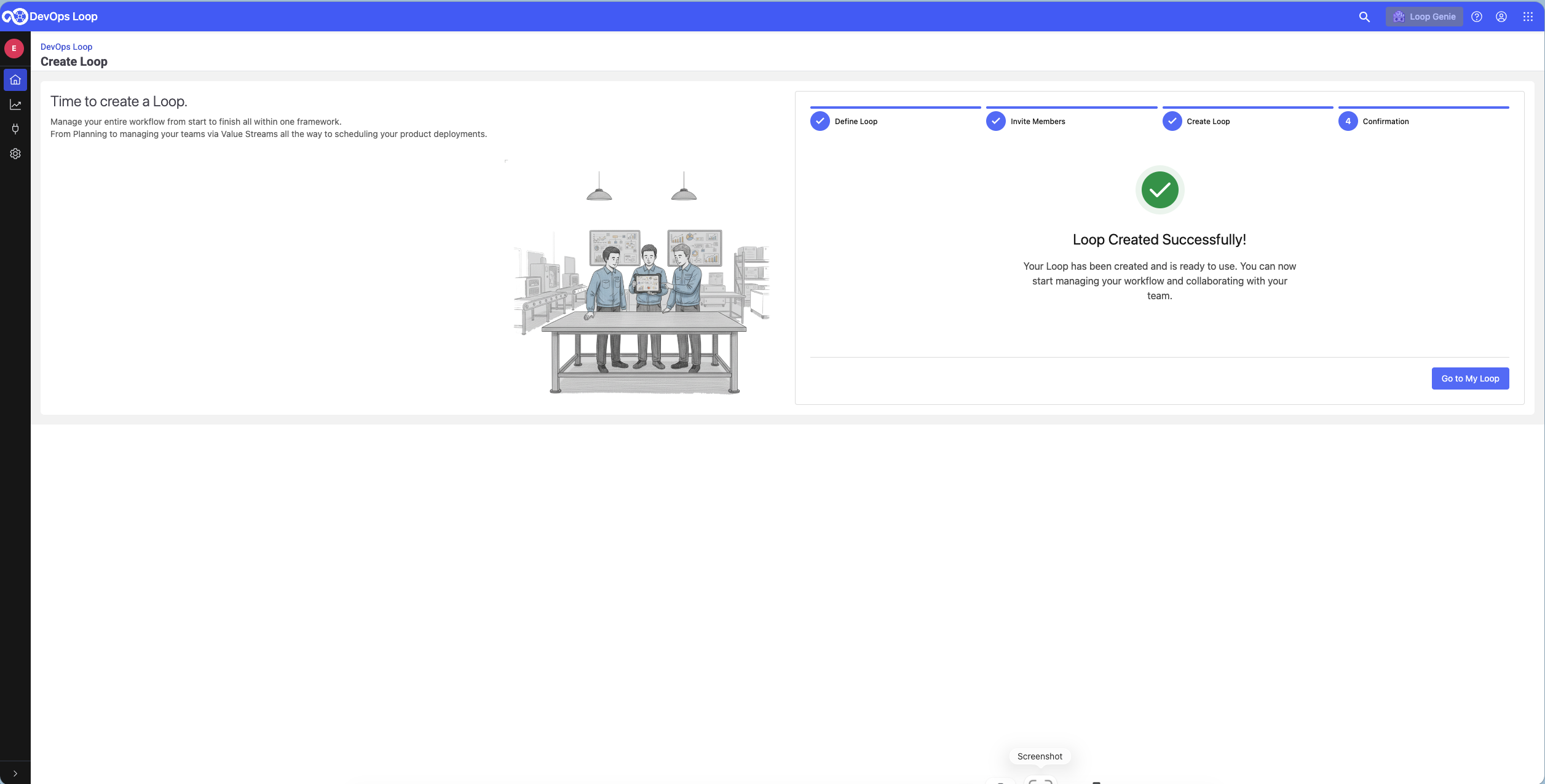
Step Details Additional Information 1 Press the Create Loop Button 2 In the Loop creation Dialog enter a name and a description Please check the Learning Loop switch to import learning data into your new Loop 3 press the Next Button to proceed 4 You can search and add a Teammember to the Loop a new Member is added 5 Press the Next Button to start Loop creation Loop creation can take a few moments, as soon as it finishes a Success screen will be shown Creation is successfull 6 Press now Go to my Loops Button to proceed

 on the Loop Homepage to open the Genie Dialog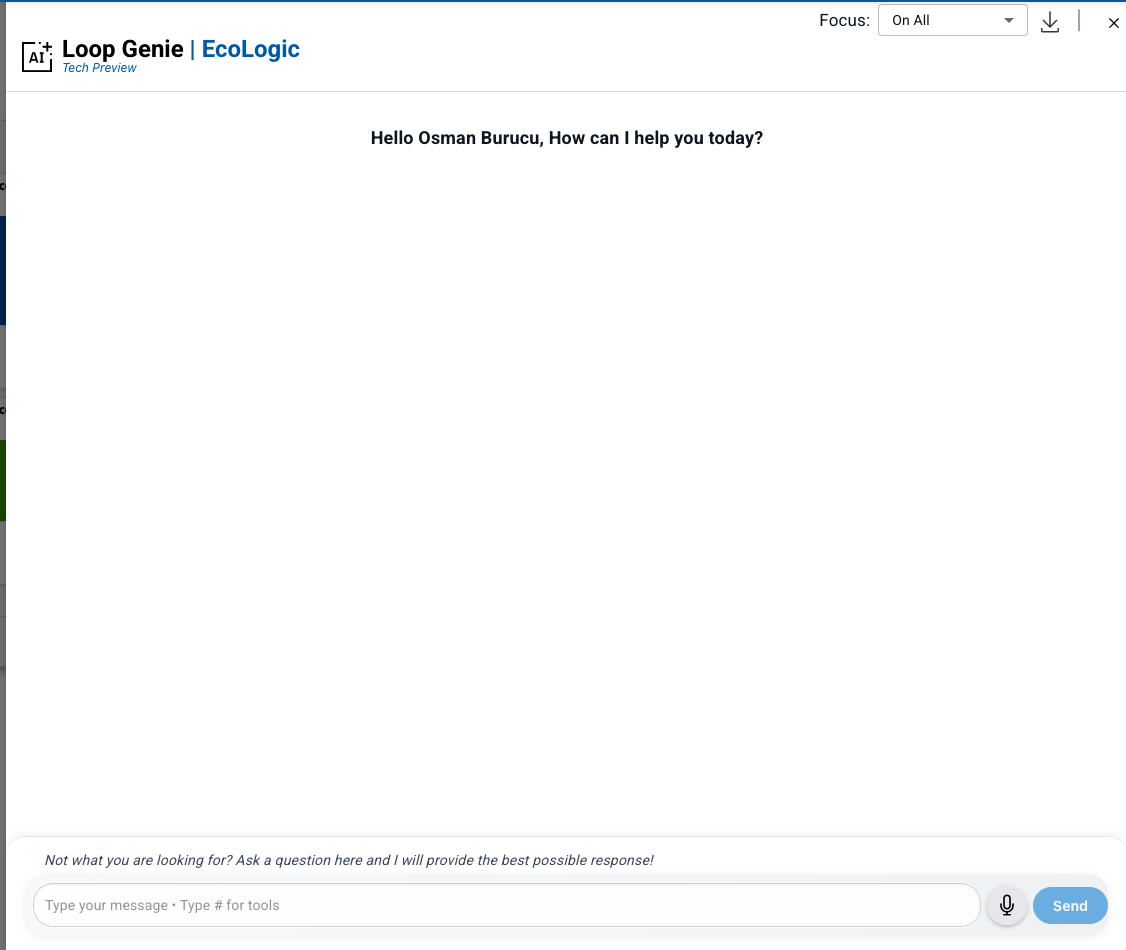

 to view your Teamspaces or create a new one